Magner175V/175FF USER Guide
Magner INT 47
Paper Size
Select paper size. (2 inch and 3 inch)
Receipt Count
Select the number of the printed Receipt.
Time Print
Select to print Time to Receipt.
User Print
Select to print User Name to Receipt.
Bank Print
Select to print Bank Name to Receipt.
When long press “9” key, you can enter or change Bank Name.
Branch Print
Select to print Branch Name to Receipt.
When long press “0” key, you can enter or change Branch Name.
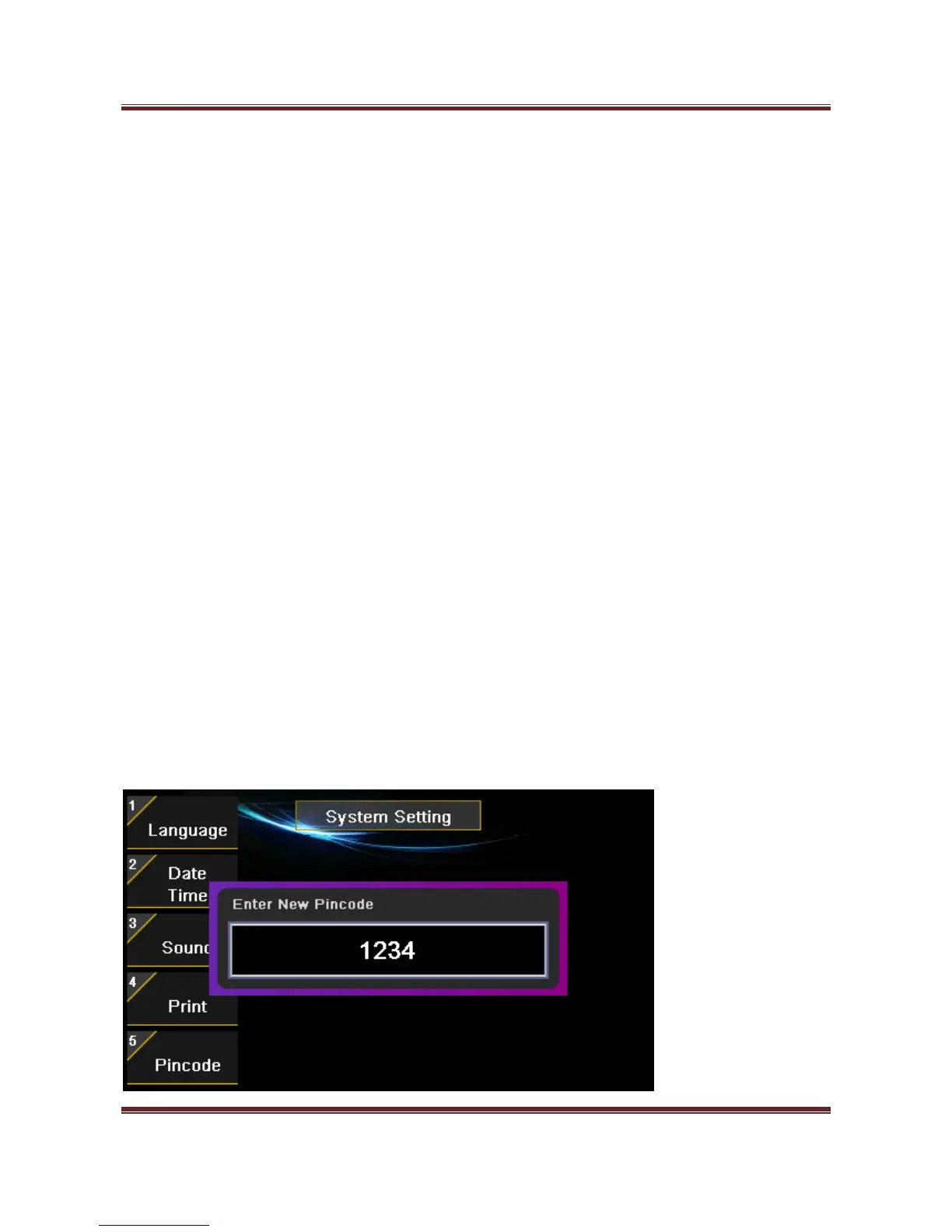
5) Pincode
Change Pincode of MAGNER175V/175FF. (Pincode is needed.)



 To Next Page