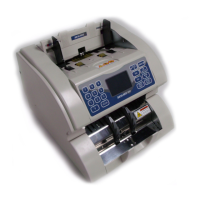
MAGNER M2000 SERIES
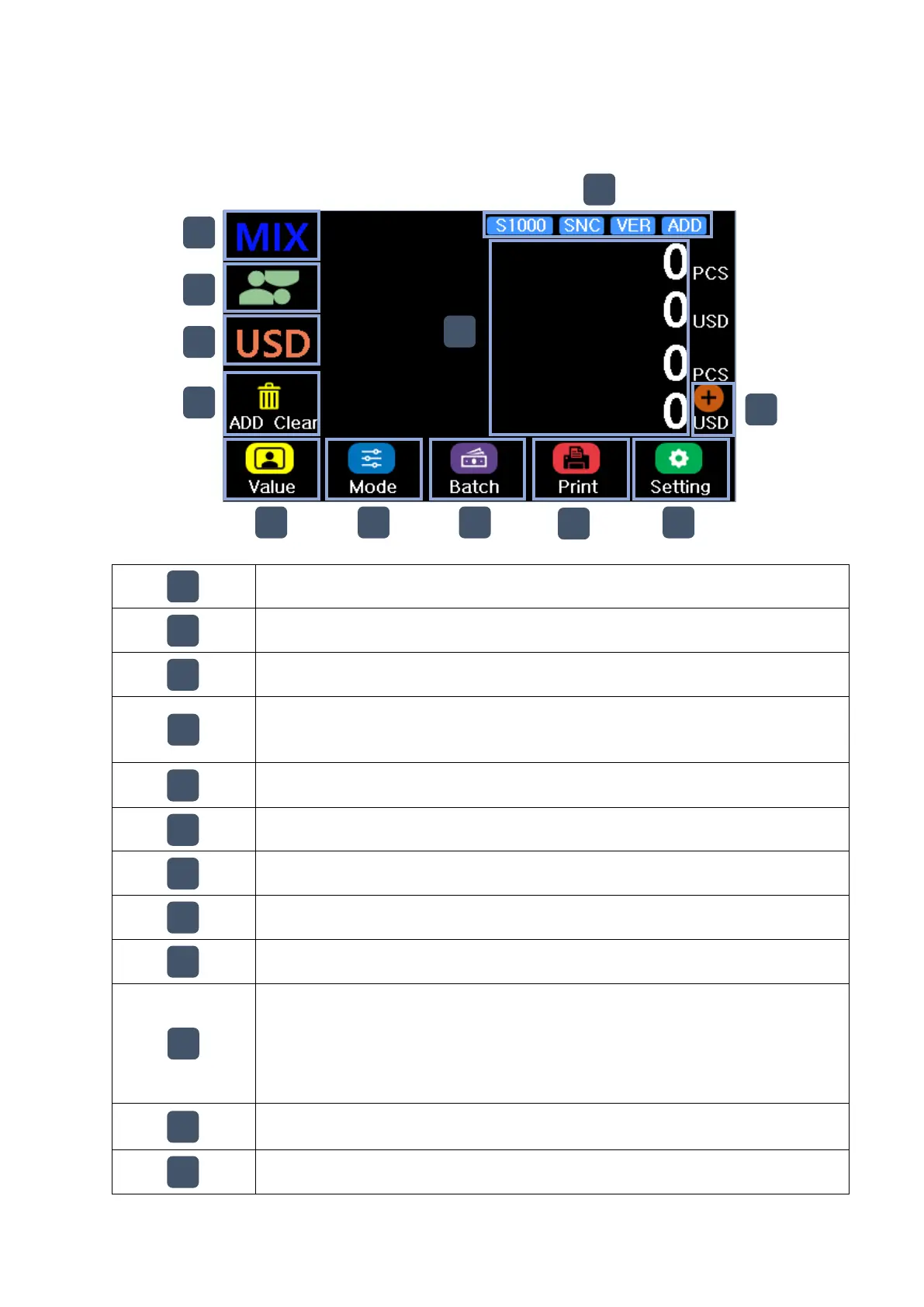
1. Main Display
Display the current mode and change the mode by touch(MIX, SP, SG)
Face Direction mode, if user touch the icon, the mode will be off
Currency, if user touch the icon, user can select the currency
When ADD mode is operated, ADD Clear icon is displayed
One touch : Canel last ADD, Two touch : Initialize ADD as “0”
Select the Value, Fitness and ATM mode
Set the Batch and dispense(Amount/Denom)
Print the receipt with count result
Amount and Quantity for the counted banknote
If ADD is operated, dual informtion is displayed
(Current count information and accumulated informaiton)
If user touch the area, user can check the detail count information
Count speed change, Serial Number Compare, Version seperation, ADD


 To Next Page