EasyManua.ls Logo

Magnetek Flex EX Series - User Manual

Magnetek Flex EX Series
19 pages
Print Icon
To Next Page IconTo Next Page
Loading...
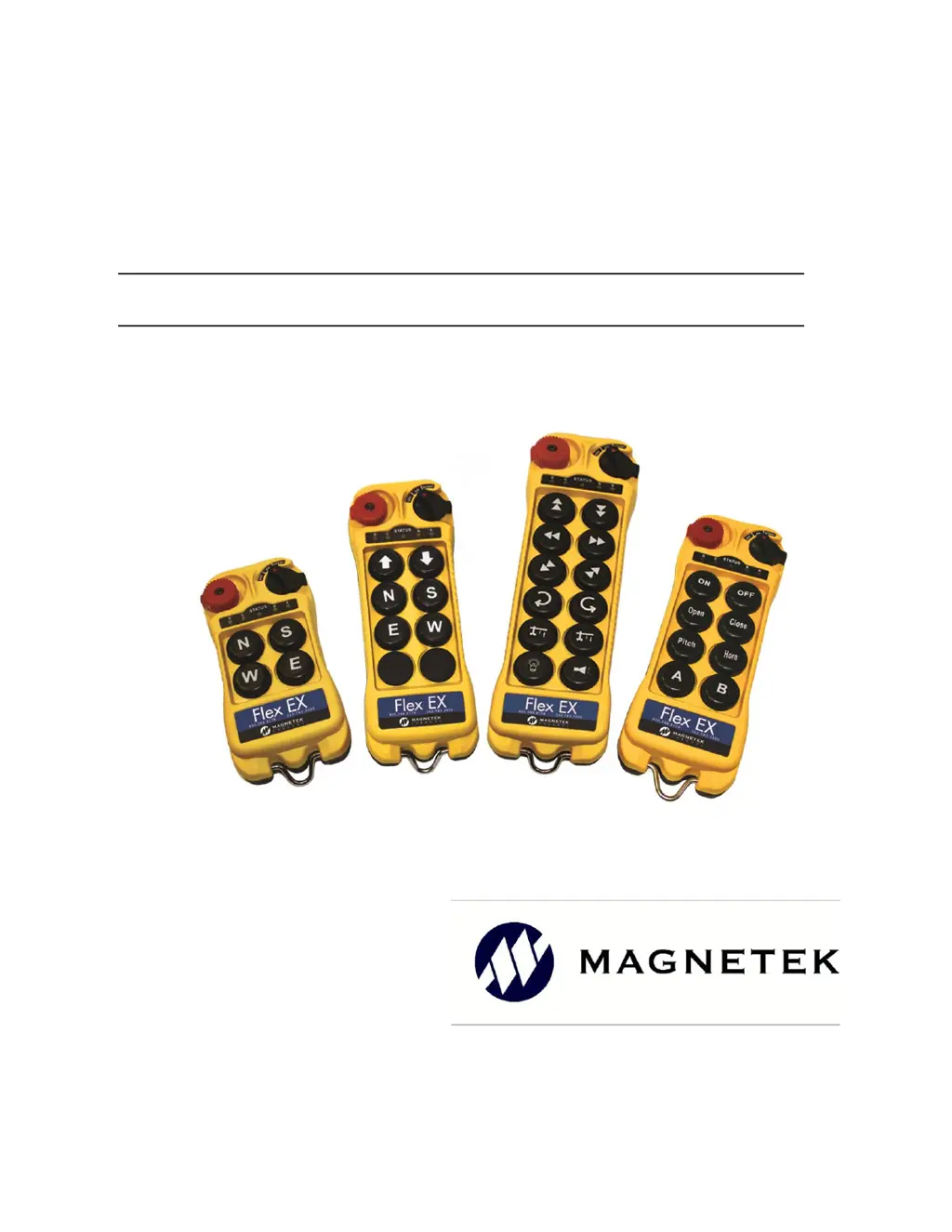
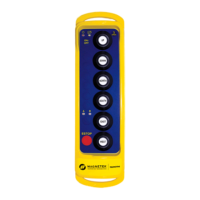
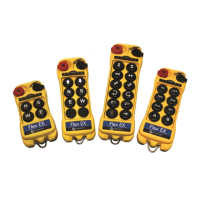
Flex EM/EX Transmitter
Engineered
Remote Equipment Control
Part Number: 191-00424-0001 R01
April 2019
© 2019 Magnetek Material Handling

Questions and Answers

  • M
    Matthew RiggsAug 5, 2025
    Why is my Magnetek Flex EX not responding to button presses?
    • B
      brooke64Aug 5, 2025
      Your Magnetek Transmitter may not respond to button presses due to several reasons: 1. **Low Battery:** The transmitter battery might be low. Check the battery level. 2. **Emergency Stop:** The emergency stop button could be activated. Ensure it's elevated before starting. 3. **Startup Procedure:** An improper startup could be the cause. Redo the procedure by holding the power key at 'START' for up to 2 seconds, then release. 4. **RF Channel Mismatch:** The transmitter and receiver might be on different channels. Ensure they match. 5. **Access Code Mismatch:** The Receiver Access Code might be different on the transmitter and receiver. Ensure they are the same. 6. **Out of Range:** The system may be out of range. Start the procedure within 100 meters (300 feet) of the receiver.
  • T
    Traci ConradAug 16, 2025
    How to troubleshoot a Magnetek Flex EX that is not responding?
    • L
      Leslie MaldonadoAug 16, 2025
      To troubleshoot a non-responsive Magnetek Transmitter: * First, check the transmitter's battery level. * Second, ensure the red emergency stop button is elevated before turning on the transmitter. * Third, redo the startup procedure by holding the power key at the 'START' position for up to 2.0 seconds, then release. * Fourth, verify that the transmitter and receiver unit are on the same channel. * Fifth, confirm that the transmitter and receiver unit have the same Receiver Access Code. * Finally, make sure you are within 100 meters (300 feet) of the receiver when starting the procedure.
  • F
    flynnjosephOct 26, 2025
    What to do if my Magnetek Transmitter has no response when I press a button?
    • C
      Catherine BrownOct 27, 2025
      If your Magnetek Transmitter isn't responding when you press a button, there are several potential causes: * The transmitter might have low battery power. Check the transmitter battery level. * The emergency stop button may have been activated before startup. Ensure the red emergency stop button is elevated before turning on the transmitter. * The startup procedure might have been done incorrectly. Redo the startup procedure by holding the power key at the 'START' position for up to 2.0 seconds and then release. * The system RF channel could be incorrect. Verify that the transmitter and receiver unit are on the same channel. * The Receiver Access Code might be incorrect. Ensure that both the transmitter and receiver unit have the same Receiver Access Code. * The system may be ...

Summary

Product Manual Safety Information

Warnings and Cautions Explained

Explains warning and caution symbols to highlight critical safety information for personnel and equipment.

Critical Installation Considerations

General Operation Overview

General overview of material handling equipment operation and the need for operator caution.

Authorized Operators

Specifies requirements and restrictions for personnel authorized to operate radio-controlled equipment.

Operator Safety and Training

Outlines essential operator knowledge, skills, prohibitions, and recommended training for safe operation.

Pre-Operation Testing Procedures

Details mandatory steps for testing warning devices, controls, and receiver emergency stop before operation.

Transmitter Unit Handling and Storage

Covers correct usage, storage, and security of the transmitter unit to prevent unauthorized operation.

Batteries Overview

Introduces battery-related procedures, emphasizing safe handling, charging, and disposal.

Battery Handling Guidelines

Details safe handling practices for batteries, including using approved types and storage conditions.

Battery Charging Procedures

Provides guidelines for charging batteries, emphasizing correct procedures, avoiding overcharging, and safety.

Battery Disposal Advice

Advises consulting local and governmental regulations for proper battery disposal procedures.

General Transmitter Information

External Illustration (12 Button Configuration)

Visual guide to the external components of the 12-button transmitter configuration.

Internal Illustration (12 Button Configuration)

Details internal components of the 12-button transmitter configuration with diagrams.

Types of Buttons Explained

Explains the difference in button types between Flex EM (single-step) and Flex EX (two-step) transmitters.

Dip-Switch Settings

System Channel Settings

Instructions on setting the transmitter channel using dip-switch bank 2 on the backside.

Inactivity Time-Out Timer Configuration

Configures the inactivity time-out timer using dip-switch bits 6 and 7 for automatic transmitter power-down.

Operating Procedures

General Operating Procedure

Step-by-step guide for powering on, starting, and operating the transmitter, including E-Stop activation.

Changing Transmitter Batteries

Instructions for safely replacing batteries in the transmitter unit, ensuring cover sealing.

Status Lights Indicators and Warnings

Explains the meaning of different status LED display types and their indications for operational status.

Push Button Error Table

Provides a table correlating dip-switch settings to specific push button errors for troubleshooting.

Channel Configuration Settings

FCC Statements and Compliance

Presents FCC compliance statements and warnings regarding device operation and modifications.

Channel Table with Frequencies

Lists available channels, their frequencies, and corresponding dip-switch settings for setup.

Troubleshooting

Troubleshooting Table

Offers solutions for common problems like no response to button presses and improper startup procedures.

Declaration of Conformity

Magnetek Flex EX Series Specifications

General IconGeneral
BrandMagnetek
ModelFlex EX Series
CategoryTransmitter
LanguageEnglish

Related product manuals