EasyManua.ls Logo

Magnetek Flex 8 PRO - User Manual

Magnetek Flex 8 PRO
19 pages
Print Icon
To Next Page IconTo Next Page
Loading...
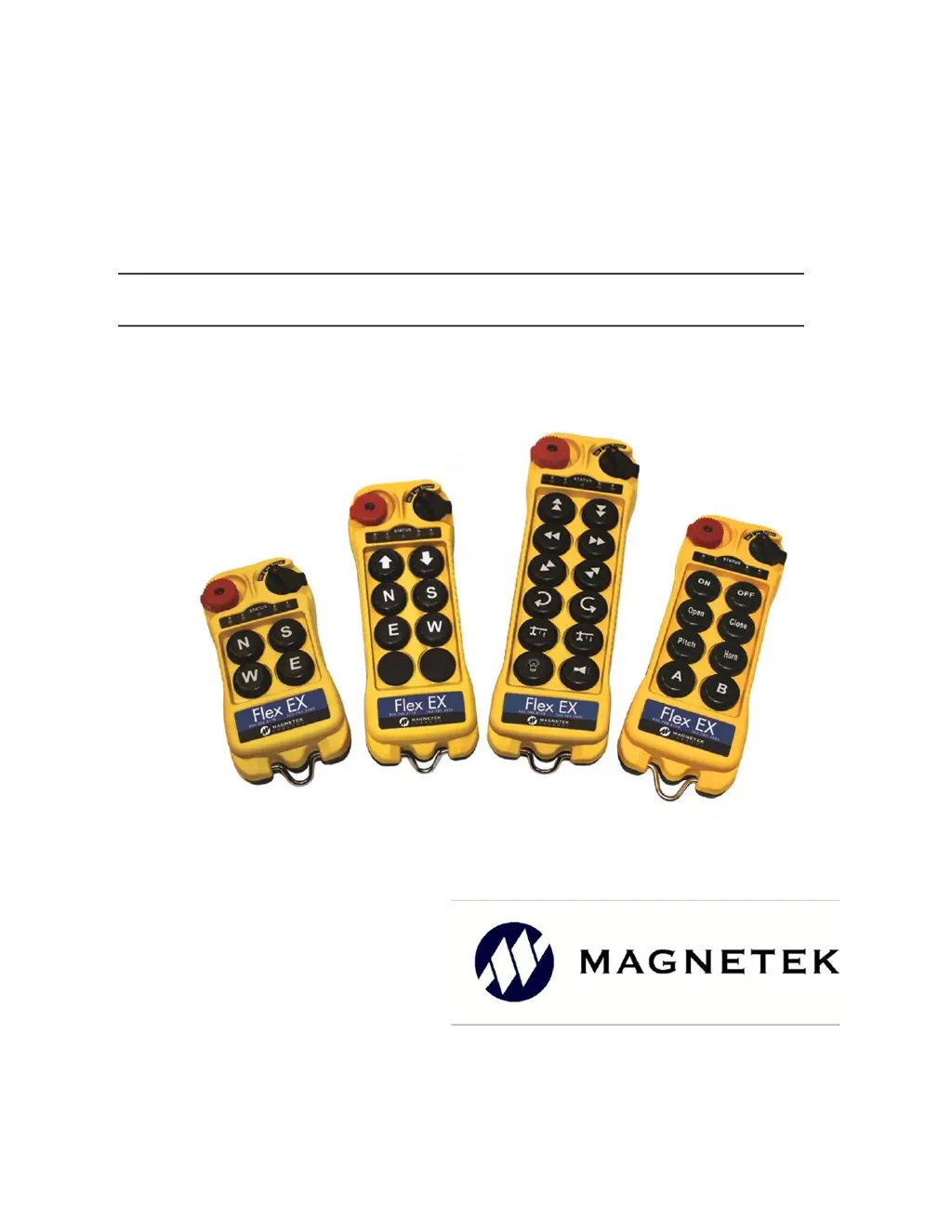
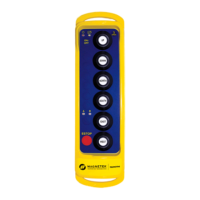
Flex EM/EX Transmitter
Engineered
Remote Equipment Control
Part Number: 191-00424-0001 R01
April 2019
© 2019 Magnetek Material Handling

Questions and Answers

  • M
    Maria DominguezAug 9, 2025
    What to do if my Magnetek Flex 8 PRO Transmitter is not responding to button presses?
    • J
      Jason BrownAug 9, 2025
      If your Magnetek Transmitter doesn't respond when you press a button, it could be due to several reasons. First, check the transmitter battery level. Also, ensure the red emergency stop button is in the raised position before turning on the transmitter. Try repeating the startup procedure by holding the power key at the START position for up to 2.0 seconds and then release. Verify that both the transmitter and receiver have the same RF channel and Receiver Access Code. Finally, make sure you're within 100 meters (300 feet) of the receiver when starting up.
  • J
    Jordan FitzgeraldAug 25, 2025
    Why is my Magnetek Transmitter not responding to button presses?
    • V
      Veronica WilliamsAug 25, 2025
      Your Magnetek Transmitter may not respond to button presses due to several reasons: 1. **Low Battery:** The transmitter battery might be low. Check the battery level. 2. **Emergency Stop:** The emergency stop button could be activated. Ensure it's elevated before starting. 3. **Startup Procedure:** An improper startup could be the cause. Redo the procedure by holding the power key at 'START' for up to 2 seconds, then release. 4. **RF Channel Mismatch:** The transmitter and receiver might be on different channels. Ensure they match. 5. **Access Code Mismatch:** The Receiver Access Code might be different on the transmitter and receiver. Ensure they are the same. 6. **Out of Range:** The system may be out of range. Start the procedure within 100 meters (300 feet) of the receiver.
  • J
    Jason AdamsAug 31, 2025
    How to troubleshoot a Magnetek Transmitter that is not responding?
    • W
      William ShahAug 31, 2025
      To troubleshoot a non-responsive Magnetek Transmitter: * First, check the transmitter's battery level. * Second, ensure the red emergency stop button is elevated before turning on the transmitter. * Third, redo the startup procedure by holding the power key at the 'START' position for up to 2.0 seconds, then release. * Fourth, verify that the transmitter and receiver unit are on the same channel. * Fifth, confirm that the transmitter and receiver unit have the same Receiver Access Code. * Finally, make sure you are within 100 meters (300 feet) of the receiver when starting the procedure.
  • D
    Daniel JohnsonNov 15, 2025
    What to do if my Magnetek Flex 8 PRO Transmitter has no response when I press a button?
    • M
      michael90Nov 16, 2025
      If your Magnetek Transmitter isn't responding when you press a button, there are several potential causes: * The transmitter might have low battery power. Check the transmitter battery level. * The emergency stop button may have been activated before startup. Ensure the red emergency stop button is elevated before turning on the transmitter. * The startup procedure might have been done incorrectly. Redo the startup procedure by holding the power key at the 'START' position for up to 2.0 seconds and then release. * The system RF channel could be incorrect. Verify that the transmitter and receiver unit are on the same channel. * The Receiver Access Code might be incorrect. Ensure that both the transmitter and receiver unit have the same Receiver Access Code. * The system may be ...

Magnetek Flex 8 PRO Specifications

General IconGeneral
BrandMagnetek
ModelFlex 8 PRO
CategoryTransmitter
LanguageEnglish

Related product manuals