Need help?
Do you have a question about the Magnimage LED-500CS and is the answer not in the manual?
Details available ports for extending device connectivity.
Provides essential guidelines for safe operation and handling.
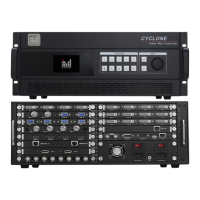
Visual layout of the device's rear panel ports.
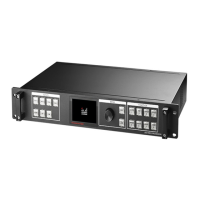
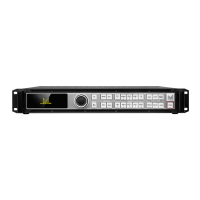
Visual layout of the device's front panel controls.
Explains symbols and key operations for navigating the main menu.
Covers picture adjustment parameters like brightness, contrast, and color.
Details window size, position, and step for output configuration.
Explains settings for language, seamless switch, freeze, and templates.
Details image cropping settings including start position and dimensions.
 General
| Power Supply | AC 100-240V 50/60Hz |
|---|---|
| Input Ports | HDMI |
| Output Ports | VGA |
| Control Method | Panel Buttons |
| Input Interface | HDMI, VGA |
| Output Interface | HDMI, VGA |


 To Next Page