EasyManua.ls Logo

Magnimage LED-783H - User Manual

Default Icon
65 pages
Print Icon
To Next Page IconTo Next Page
Loading...
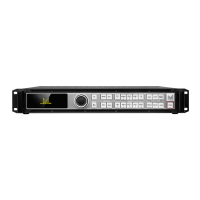
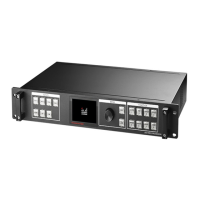
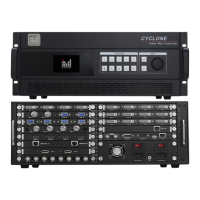
4K×2K Video Processor
User Manual V1.1
!
Before using this LED Video processorplease
read this manual carefully and preserved for
reference in the future.
LED-780H
Question and Answer IconNeed help?

Do you have a question about the Magnimage LED-783H and is the answer not in the manual?

Summary

Safety Instructions

Function Introduction

About the front

Explanation of front panel controls and buttons.

Button Introduction

Detailed explanation of each button on the front panel.

Technical Specifications

Input Port

Lists available input ports and their specifications.

Output Port

Lists available output ports and their configurations.

Output Indication

Details on output resolutions for DVI ports.

Whole Unit Specifications

Overall specifications like power, dimensions, and weight.

Using Menu

How to use the keys

Guide on operating the front panel keys and knob.

MENU

Explanation of MENU button functions and modes.

WINDOWS

Explanation of WINDOWS buttons for image selection.

Image setting submenu

Output Setting sub menu

Mosaic sub menu

Switcher mode sub menu

PIP Setting

Image crop setting sub menu

EDID setting

VGA adjustment

Communication Setting

Misc Setting

Connection setting

Image setting

OutputSetting

Mosaic Setting

Switcher Mode

PIP

Image Crop

LOGO Setting

EDID Setting

VGA Adjustment

Pattern;Caption

Time & Task

Synchronous Mode

Preset and Template

Magnimage LED-783H Specifications

General IconGeneral
BrandMagnimage
ModelLED-783H
CategoryMedia Converter
LanguageEnglish

Related product manuals