EasyManua.ls Logo

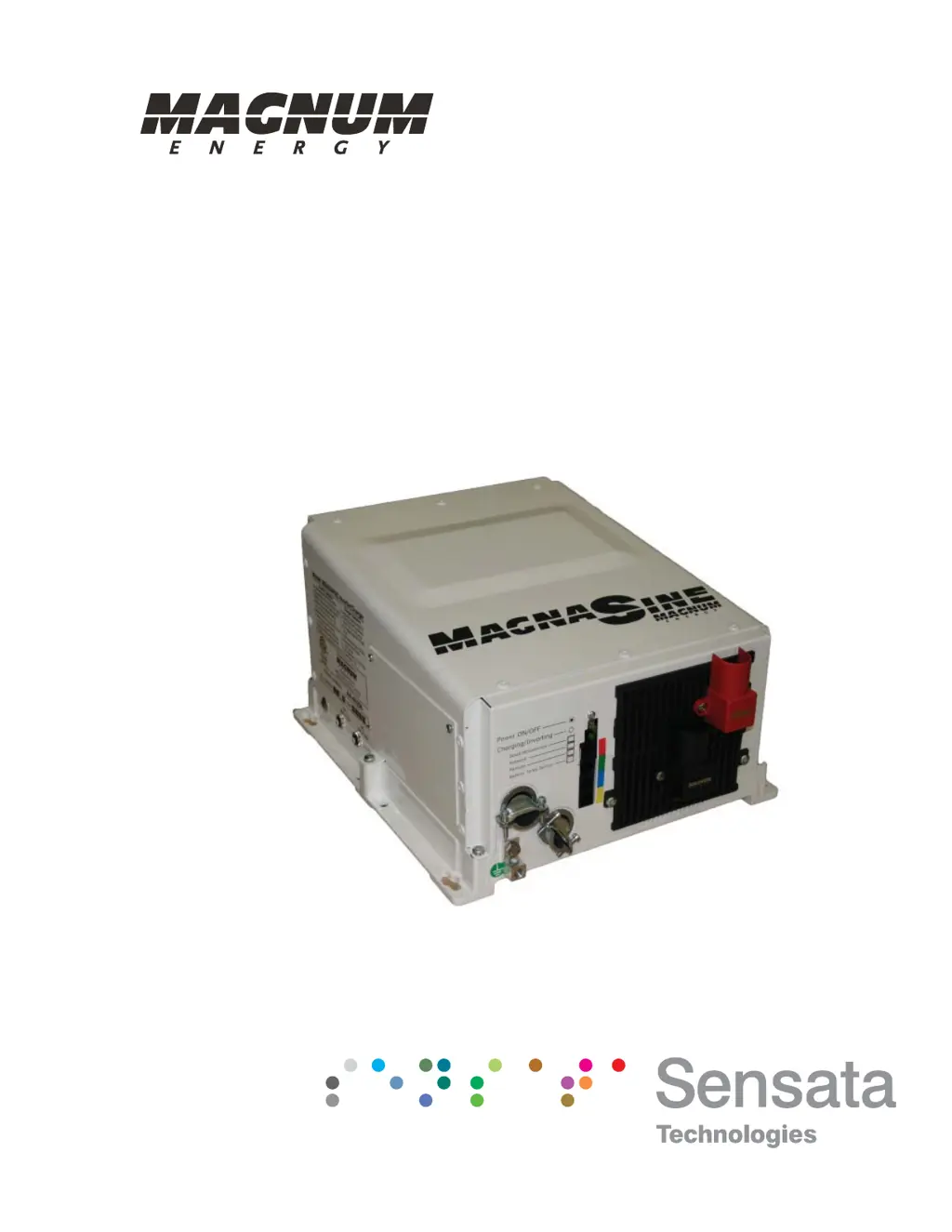
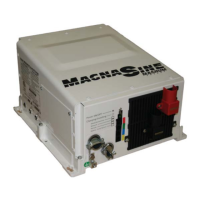
Magnum Energy MS4024PAE - User Manual

Magnum Energy MS4024PAE
70 pages
Print Icon
To Next Page IconTo Next Page
Loading...
MS-PAE Series
Pure Sine Wave Inverter/Charger
Owners Manual

Table of Contents

Questions and Answers

  • M
    melissasimmonsAug 10, 2025
    What to do if Magnum Energy Inverter has low output and green LED is flashing?
    • A
      Alan JenningsAug 10, 2025
      If your Magnum Energy Inverter has low output or surge power and the green LED is flashing, it could be due to several reasons. Start by checking for loose or corroded battery cables; if found, clean and tighten all cables. Also, low batteries can cause this issue, so recharge or replace the batteries. Additionally, inspect for loose AC output connections and tighten them. Finally, ensure that the battery cables are of the correct length and gauge as recommended in the manual, and replace them if needed.
  • S
    shawndavisAug 14, 2025
    Why is my Magnum Energy Inverter charger not working?
    • C
      Carla TerryAug 14, 2025
      If your Magnum Energy Inverter charger isn't charging, there are several things to check. First, inspect the battery cables for looseness or corrosion, and clean and tighten them as necessary. Defective batteries can also prevent charging, so consider replacing them. Verify that the charger settings are correct and ensure the unit is not in charger standby. Lastly, confirm that the AC input voltage is correct.
  • K
    Kristen JohnsonAug 18, 2025
    What does it mean when the green LED is flashing on my Magnum Energy MS4024PAE with no output?
    • D
      David WareAug 18, 2025
      If your Magnum Energy Inverter has no output power but the green LED is flashing, the unit may be in Search mode. This means the load is too small for search mode circuit detection. To resolve this, turn on a load greater than 5 watts to bring the inverter to full output power, or turn off search mode using the remote.
  • S
    Stacy ThorntonAug 22, 2025
    Why is the charging rate low on my Magnum Energy MS4024PAE when connected to shore power?
    • M
      melissa67Aug 22, 2025
      If your Magnum Energy Inverter has a low charging rate when connected to shore power, it could be due to a charge rate that is set too low. Adjust the Charge Rate or SHORE settings. Also, low AC voltage (less than 85 VAC) can cause this issue, so check the AC input wiring.
  • D
    David KingAug 27, 2025
    How to improve the charging rate of my Magnum Energy MS4024PAE Inverter when using a generator?
    • A
      Angela StewartAug 27, 2025
      If your Magnum Energy Inverter has a low charging rate when using a generator, it may be because the generator output is too low to power both the load and the charger. Try reducing the load or increasing the generator’s RPMs. Also, check the SHORE settings if a remote is connected.
  • H
    heatherhortonSep 1, 2025
    Why is the DC charge voltage higher or lower than expected on my Magnum Energy Inverter?
    • S
      Stephen CollierSep 1, 2025
      If the DC charge voltage is higher or lower than expected while charging your Magnum Energy Inverter, and a Battery Temperature Sensor (BTS) is installed, the DC voltage will increase or decrease depending on the temperature around the BTS. This is normal.
  • A
    Ashley MendozaNov 5, 2025
    Why is my Magnum Energy MS4024PAE Inverter not working and the LED is off?
    • J
      Jessica MckenzieNov 5, 2025
      If your Magnum Energy Inverter has no output power and the LED is off, there are several potential causes. First, ensure the inverter is switched ON. If it is, check the battery voltage at the inverter's terminals. If the battery voltage is too low, check fuses, circuit-breakers, and cable connections, and charge the batteries if needed. If the battery voltage is too high, reduce or turn off any other charger to the inverter batteries to allow the voltage level to drop. Also, the internal temperature of the inverter may have risen above acceptable limits. Reduce the number of electrical loads to avoid a repeat Overtemp shutdown and check ventilation around the inverter. The inverter may have turned off because the connected loads are larger than the inverter’s output capacity, in this case...

Summary

Product Safety Information

Safety Precautions

Essential safety measures for electrical work, installation, and component handling.

Battery Safety

Critical safety guidelines and procedures for handling and working with batteries.

Introduction

1.1 How the MS-PAE Series Inverter;Charger Works

Explains Inverter Mode and Standby Mode operation of the MS-PAE Series.

1.2 Features and Benefits

Describes external features like ON/OFF switch, LED indicator, and various ports.

Installation

2.0 Installation

Provides an overview of the installation process and important considerations.

2.1 Pre-Installation

Details unpacking, inspection, and required components for installation.

2.1.1 Unpacking and Inspection

Instructions for unpacking the inverter and verifying all included items.

2.1.2 Required Components and Materials

Lists necessary hardware, materials, and tools for the installation process.

2.1.3 Locating the Inverter

Guidelines for selecting a suitable location based on cleanliness, dryness, cooling, and ventilation.

2.1.4 Mounting the Inverter

Details requirements for mounting surfaces and approved mounting positions.

2.8 Functional Test for a Single MS-PAE Inverter

Provides steps to test the installation and operation of a single MS-PAE inverter.

Parallel Operation

4.0 Parallel Operation

Introduces information on operating multiple MS-PAE Series inverters in parallel.

4.1 Overview

Explains how stacking inverters increases capacity, charging, and pass-through capabilities.

4.2 Parallel System Requirements

Lists essential requirements for connecting and operating MS-PAE inverters in parallel.

4.3 Parallel System Connections and Components

Covers AC/DC connections and components needed for parallel systems using Magnum Panels.

4.3.1 AC and DC Connections Simplified using Magnum Panels

Details simplified AC/DC connections using MP Series enclosures and their panels.

4.3.2 AC Connections Required in Parallel System

Explains AC input requirements and panel configurations for parallel systems.

4.3.3 DC Connections Required in Parallel System

Outlines DC connection requirements for parallel systems, including common battery banks.

4.4 Functional Test for Parallel-stacked MS-PAE Inverters

Provides steps to test the installation and operation of parallel-stacked MS-PAE inverters.

4.4.1 Power-up Procedure (Stacked System)

Details the procedure for powering up stacked inverters and initial checks.

4.4.2 Verifying Parallel-stacked Communication

Explains how to verify communication between inverters using the router display.

4.4.3 Performing the Functional Test

Guides through performing the functional test for both Invert Mode and AC Transfer/Charge Mode.

Troubleshooting

6.0 Troubleshooting

Provides a guide to pinpoint common inverter and charger failures and their solutions.

6.1 Resetting the Inverter

Explains how to perform inverter resets (soft and hard) to clear fault conditions.

Magnum Energy MS4024PAE Specifications

General IconGeneral
BrandMagnum Energy
ModelMS4024PAE
CategoryInverter
LanguageEnglish

Related product manuals