16
Driver Installation
Step 7
Driver Installation
To install the driver you first need to
connect the camera
to a USB port on the computer.
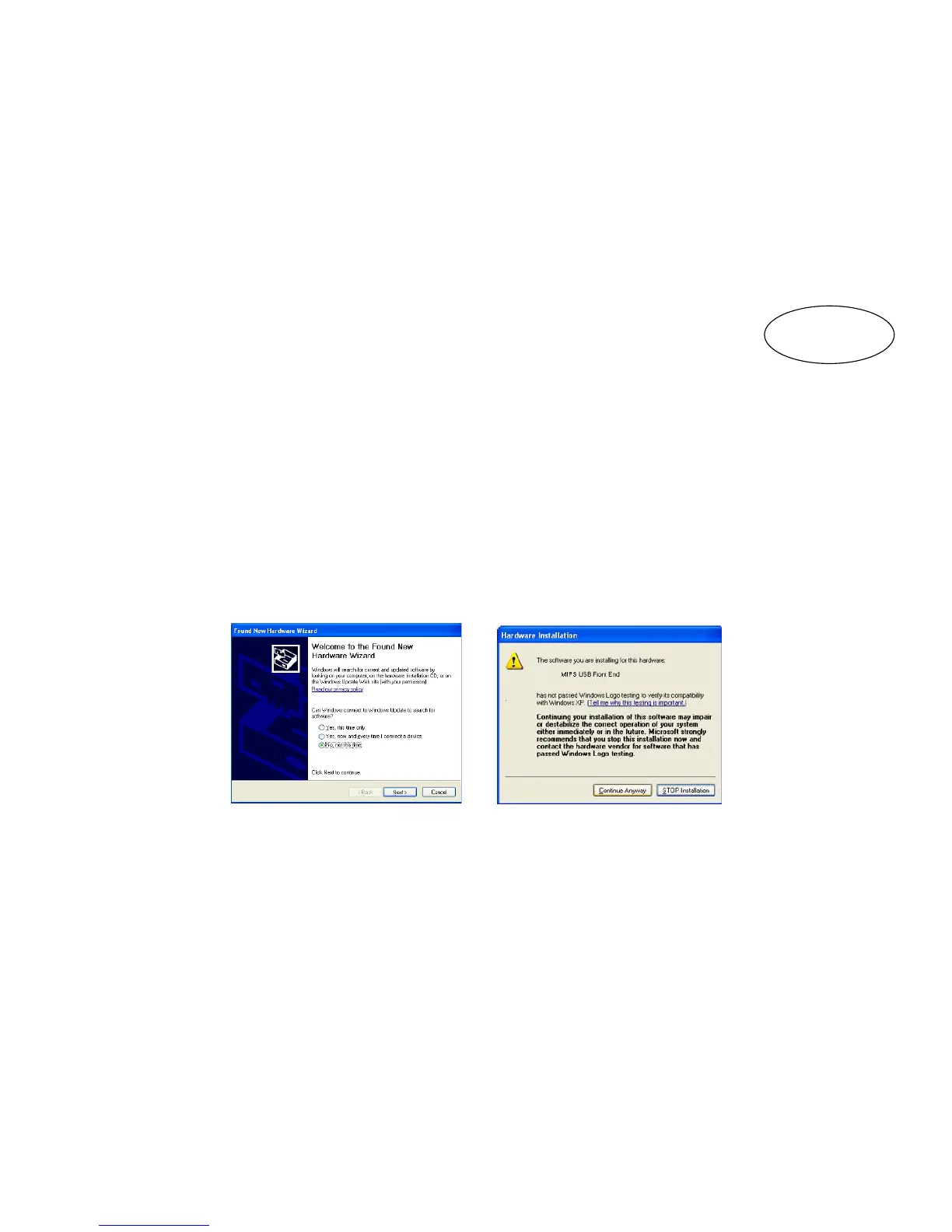
When the computer detects the camera, the New Hardware
Wizard will automatically be launched.
Select the Install the Software Automatically and click on
the Next Button. Select the Continue Anyway option.
The driver installation is now complete. Simply click on the
Finish button to exit the hardware wizard.
MIPS


 To Next Page