3 - How to Connect to MTNET Demo
DYNAMAG, DYNAMAX, EDYNAMO, UDYNAMO, ADYNAMO, MDYNAMO, TDYNAMO, DYNAWAVE| SCRA Devices | MTNET Demo Guide
Page 12
3.2 Connect via Bluetooth LE / LE EMV / LE EMVT Interface
1) Pair the device to the Windows PC.
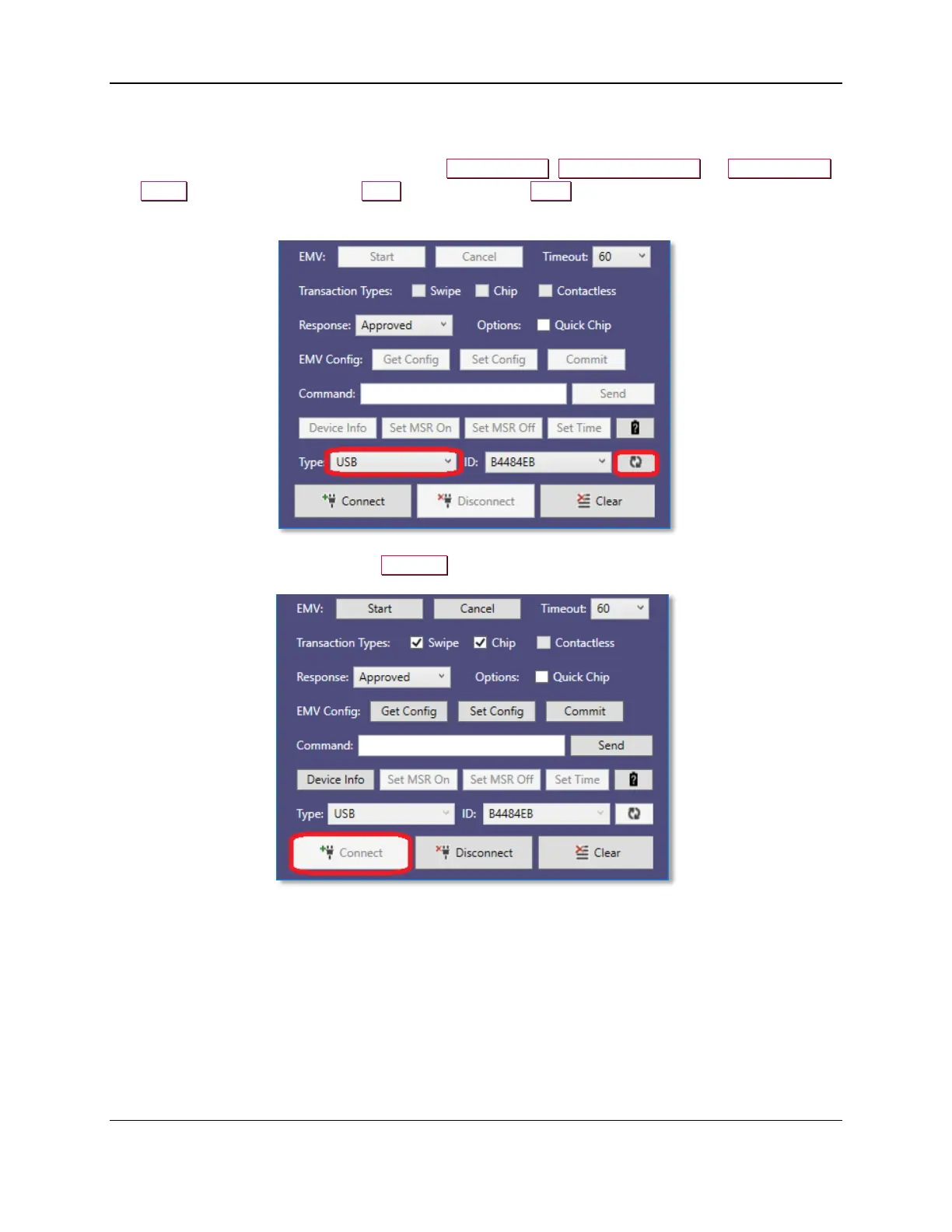
2) Launch the MTNET Demo and select either Bluetooth LE, Bluetooth LE EMV, or Bluetooth LE
EMVT as the device type in the Type list box, press the Scan button to display a list of available
devices.
3) Select the Device ID and press the Connect button to open the device.



 To Next Page