3 - Installation
eDynamo| Secure Card Reader Authenticator | Installation and Operation Manual
Page 17 of 34 (D998200110-23)
9) Use the host software or MagTek Test to test swiping a card.
10) Remember to change the default passkey. See the eDynamo Programmer’s Reference
documentation for details.
To unpair from the device, follow these steps:
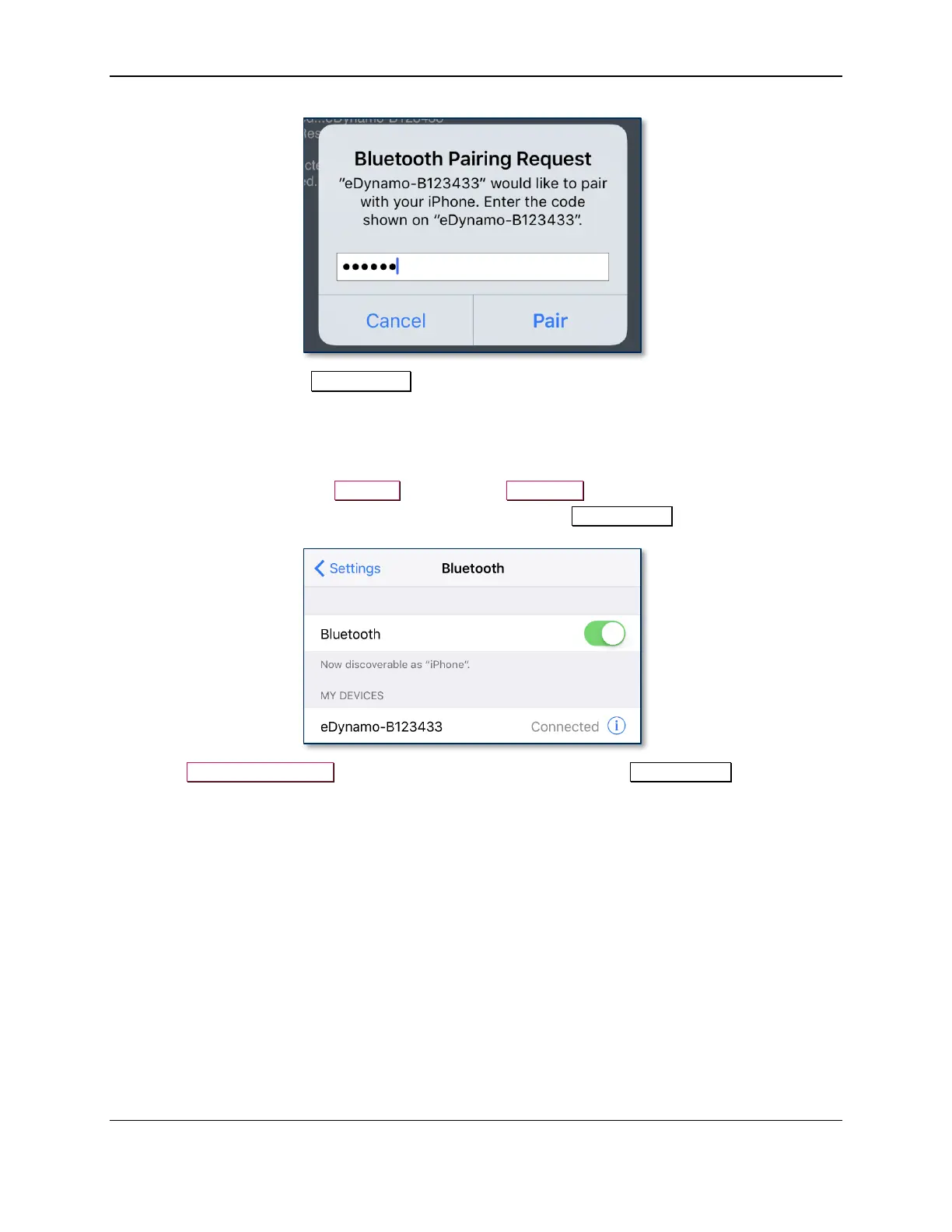
1) On the iOS host, launch the Settings app and select Bluetooth.
2) Press the “i” information icon next to the device’s name in the MY DEVICES list.
3) Select Forget This Device and make sure the device disappears from MY DEVICES.



 To Next Page