Operation Manual
touchTymp MI 24
and
MI 34
Version
5.6 Settings
5.6.1 General
The touchTymp has an extensive setting menu to tailor the device to a user needs.
The review of all settings is discussed in this section. Some settings might not be
available based on the licenses activated in your system.
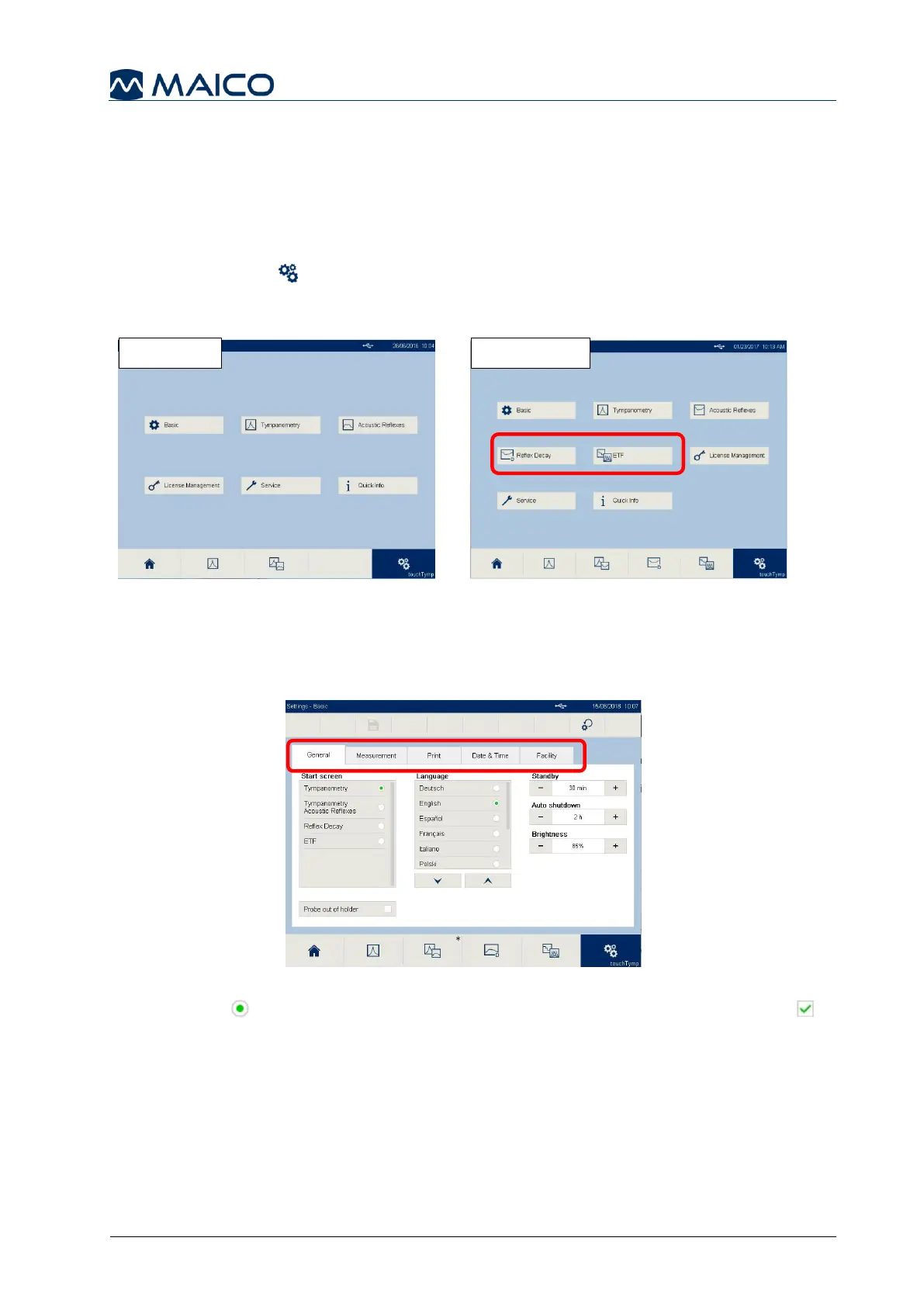
Select the Settings button in the Fixed Function Bar to access the list of setting
menus. MI 34 version offers two additional menus: Reflex Decay and ETF (MI 24 –
Figure 84, MI 34 – Figure 85).
Each menu consists of one or more tabs. Each tab contains one or more settings
(Figure 86). When a tab is greyed out, it is not available due to a license must be
purchased.
Radio buttons allow the selection of only one item in a submenu. Check boxes
allow to select or deselect several items at the same time. The Settings menus are
described in the following sections.


 To Next Page