Operation Manual
touchTymp MI 24
and
MI 34
Version
5.6.2 Settings – Basic – General
Start Screen: Adjust the start screen to your needs.
Choose Tympanometry or Tympanometry and
Acoustic Reflexes for upon boot-up the chosen screen is
automatically entered (Figure 87).
NOTE: MI 34 Version will offer Reflex Decay and ETF
within this menu setting.
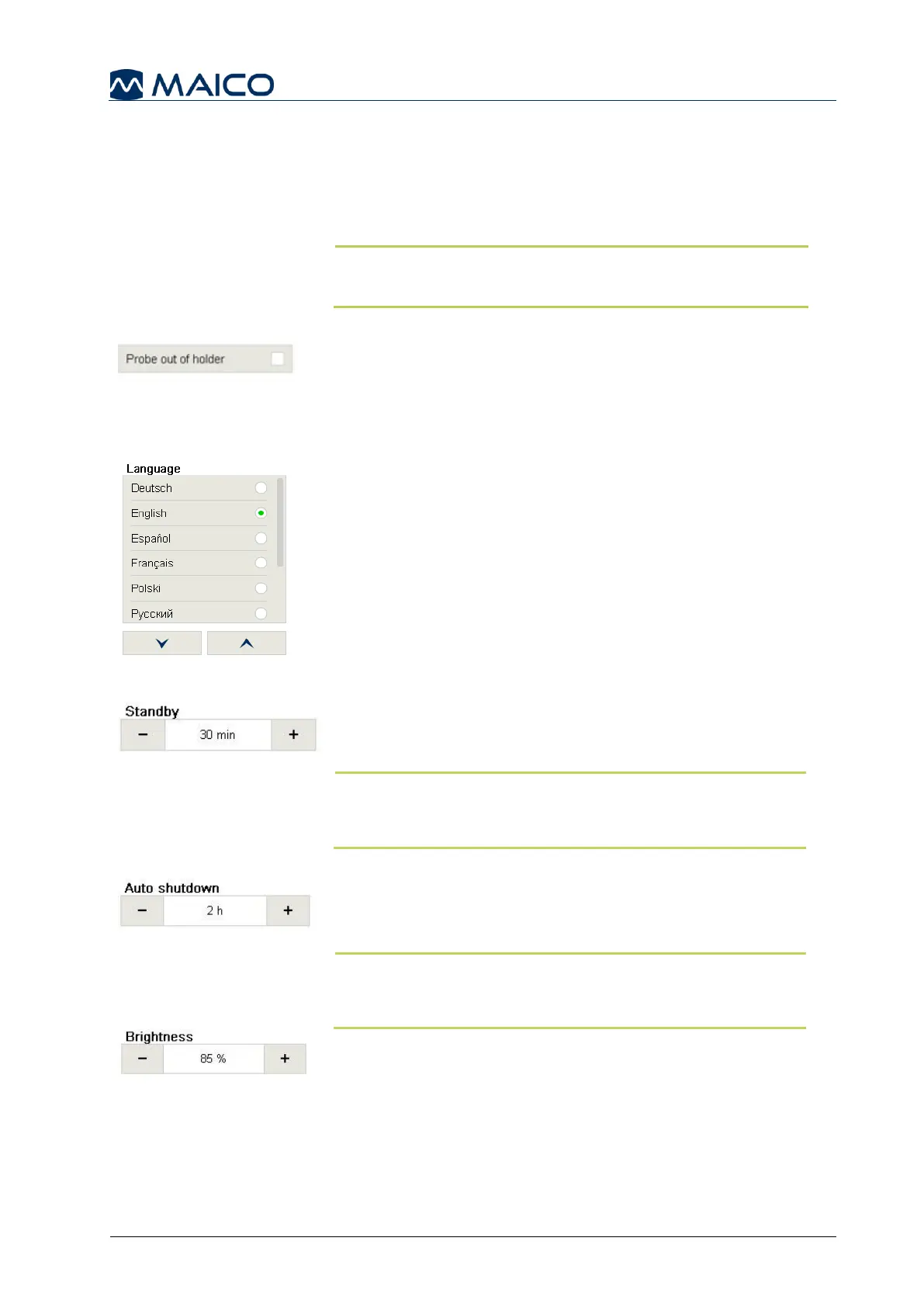
Probe out of holder: Select Probe out of holder for
automatic changing from the setting or home screen to the
test screen as soon as the probe is taken out of the probe
holder (Figure 88). Setting is inactive if Audiometry is
selected as Start Screen (Figure 87).
Language: Choose one of the supported languages
incorporated in the device (Figure 89).
Standby: Set the period of inactivity, after which the
display will turn off. Pressing the screen or the Front key
will awaken the device (Figure 90).
NOTE: It is possible to turn off this function by setting
the value to “never”. When in standby mode the probe
light is lit to indicate device is on.
Auto shutdown: After a period of inactivity (greater than
the Standby Mode setting) the device will turn off
automatically (Figure 91).
NOTE: Data will be lost when the device turns off. It is
possible to turn off this function by setting the value to
“never”.
Brightness: Set the maximum brightness of the display
(Figure 92).


 To Next Page