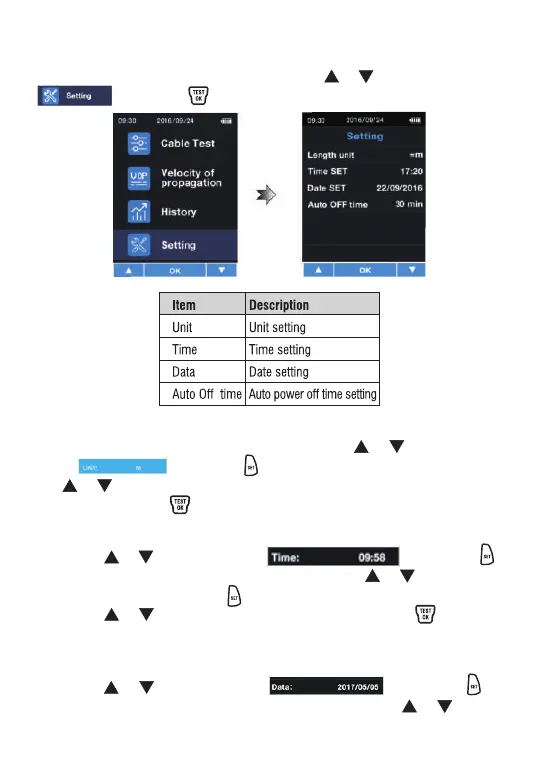
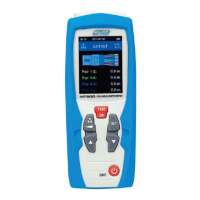
After eater the function menu, press the or button to select
. Press the button once to enter setting.
Press the or button to select . Press the
button once to enter the date of the year. Press the or button
to set the current year.
System settings
Unit setting
Time setting
Date setting
After entering the function setting, press the or button to
select . Press the button to enter unit setting. Press
the or button to select the measurement unit, ft or m (1m =
3.281ft), press the button once to complete the unit setting.
Press the or button to select . Press the
button to enter time of hour setting. Press the or button to
set current time. Press the button again to set the minutes.
Press the or button to set current time. Press the button
to complete the time setting.


 To Next Page