10
Instrucons Guide
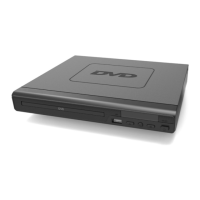
This product has a USB port at the DVD front face for MP3/
Movies playback.
Insert a USB unit into the USB port on the front panel of the DVD
player (Ref.).
Press the DVD/USB button on the remote control (Rem.4) to
enter the USB source. The DVD player will read and display the
le list o the USB unit.
Browse the le list by pressing the buttons (Rem. 7, 24,
25, 28) on the remote control. Select a le by pressing the Enter
button (Ref.) of the remote control.
USB Operation


 To Next Page