14
You may Fine increment or decrement across the entire possible Variable Clock range, but you may nd it is much easier to
make a Coarse adjustment and then make a few Fine adjustments to nd unique timings.
Double Divisor / Multipliers
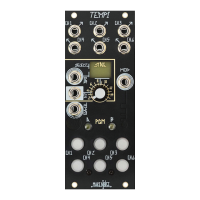
During Coarse Machine Programming, while holding down the associated PGM button, press the opposing
PGM button to double the divisor or multiplier. This makes it easy to quickly Program a Channel to
a Multiplier
or Divisor Value of 32 without having to tap 32 times.
For example, hold PGM_A and press Button-2 twice for ÷2. Next, while still holding PGM_A, press PGM_B once for ÷4, twice for
÷8, three times for ÷16, or four time for ÷32.
New to v.31
+
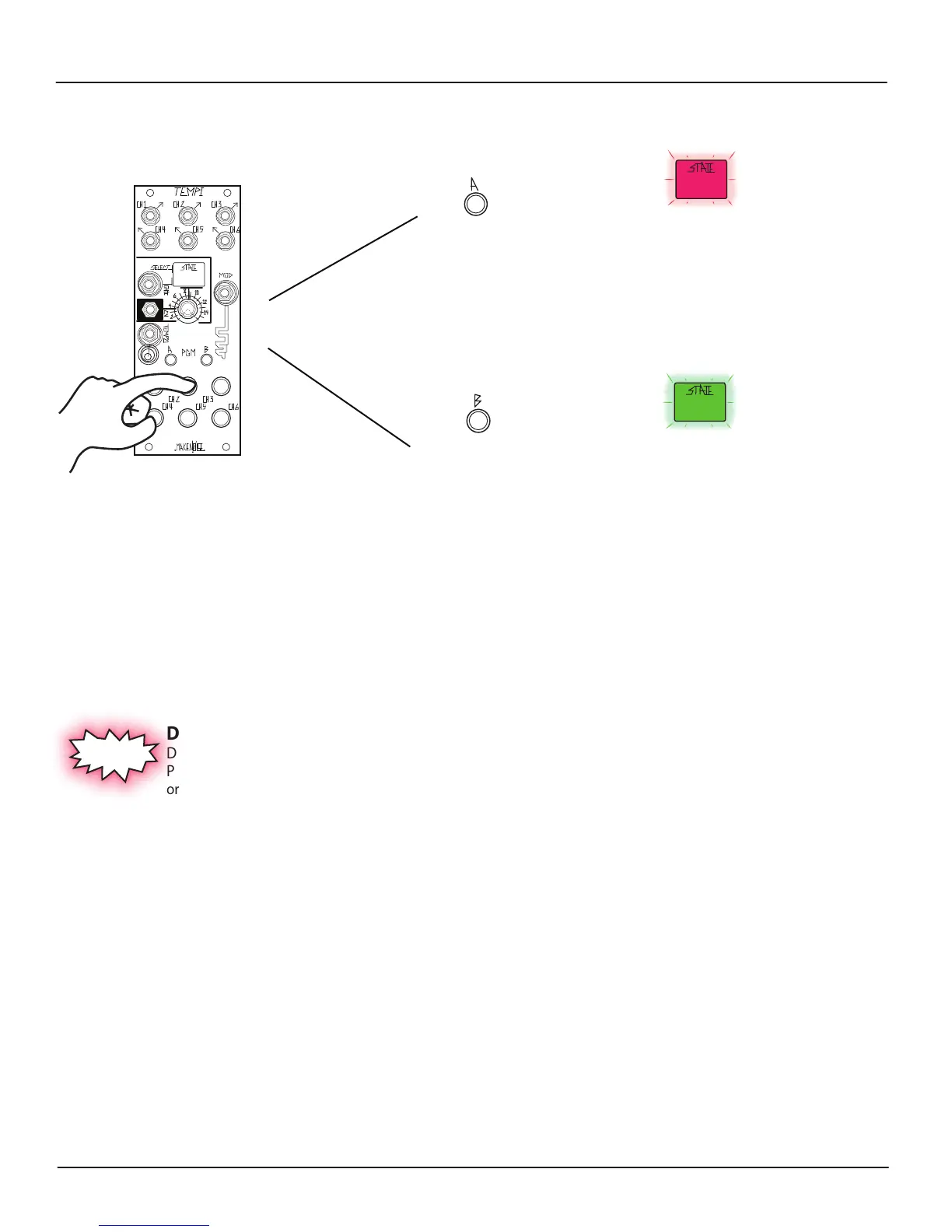
[HOLD] Associated
BUTTON(s)1-6
or
For Variable Clock Multiplier / Divisor
Fine adjustment:
[PRESS] PGM_B for
Variable Clock
Fine increment
[PRESS] PGM_A for
Variable Clock
Fine decrement
For Variable Clock Fine decrement (i.e. to make
slower), hold the associated Channel
Button1-6 and press PGM_A. The State LED
ashes Red to indicate a Variable Clock Fine
decrement has been made.
For Variable Clock Fine increment (i.e. to make
faster), hold the associated Channel
Button1-6 and press PGM_B. The State LED
ashes green to indicate a Variable Clock Fine
increment has been made.
Machine Programming Multiplier/Divisor: (cont’d)


 To Next Page