25
Bank Edit Settings (CONT’d)
or
+
or
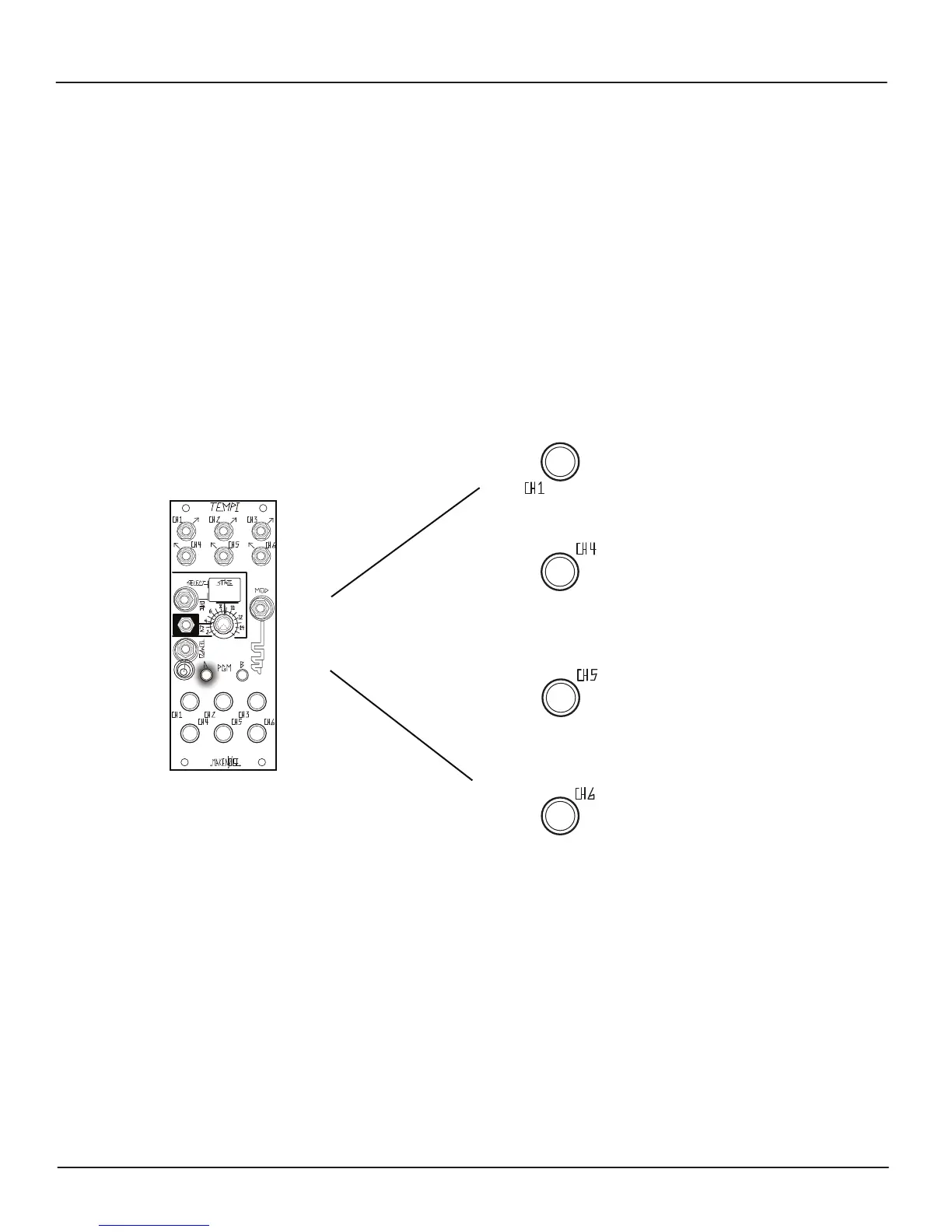
[Press] Button-5
to Paste over selected Bank
[Press] Button-6
to Mutate over selected Bank
[Double Press] PGM_A
To Copy, Paste, or Mutate a Bank:
[Press] Button-1
to Select Bank
[Press] Button-4
to Copy selected Bank
or
COPY, PASTE, and MUTATE BANKS:
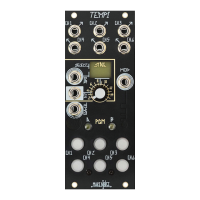
While on the Bank Edit Page, Press Button-1 to select the Bank to Copy. When you nd the desired Bank, press Button-4 to Copy.
In order to Paste, press Button1 to select the Bank into which you would like to Paste. Keep in mind: you will be overwriting what
is Stored in the selected Bank! Lastly, press Button-5 to complete the Paste operation.
Mutate works by deviating to a small degree from the values that are already Programmed within a Copied Bank. While on the
Bank Edit Page, press Button-1 to select the desired Bank to Mutate copy. In order to Mutate Paste, press Button-6 to paste a
Mutated copy. To create more dramatic and alarming mutations, simply repeat the Copy and Mutate procedures again… and
again.
Note: it is possible to Copy, Paste, and Mutate several times to quickly and easily Program a Bank.
Mutating a Channel that is
Programmed with a 1:1 Multiple or Divisor Variable Clock value will have very little eect.


 To Next Page