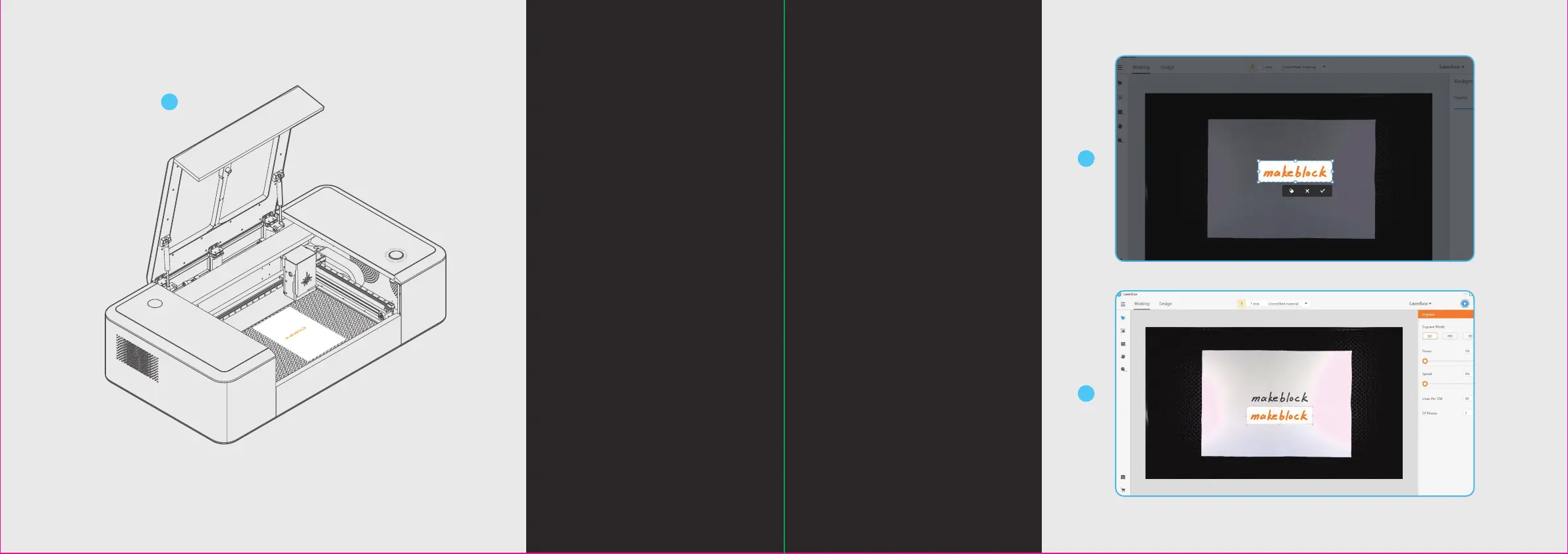
1. Place the object for image extraction.
3. Successful image extraction.
2. Start the Laserbox and select
“Marquee” to put the image you
want to extract in a selection box.
The Laserbox has a built-in camera
that extracts the surface image for
further creation.
Image extraction
27 28
1
2
3


 To Next Page