Maximum dimensions for cutting: 500 (length) * 300 (width) * 22 (thickness) mm
Materials for cutting/engraving: Materials not recommended:
Note: The use of poor quality materials may result in poor cutting/engraving. It is recommended to use Makeblock oicial
materials.
The use of the materials not recommended above may damage the device, and the resulting damages are not covered by
Makeblock’s warranty service.
29 30
Appendix 1: Cutting/Engraving Material Requirements
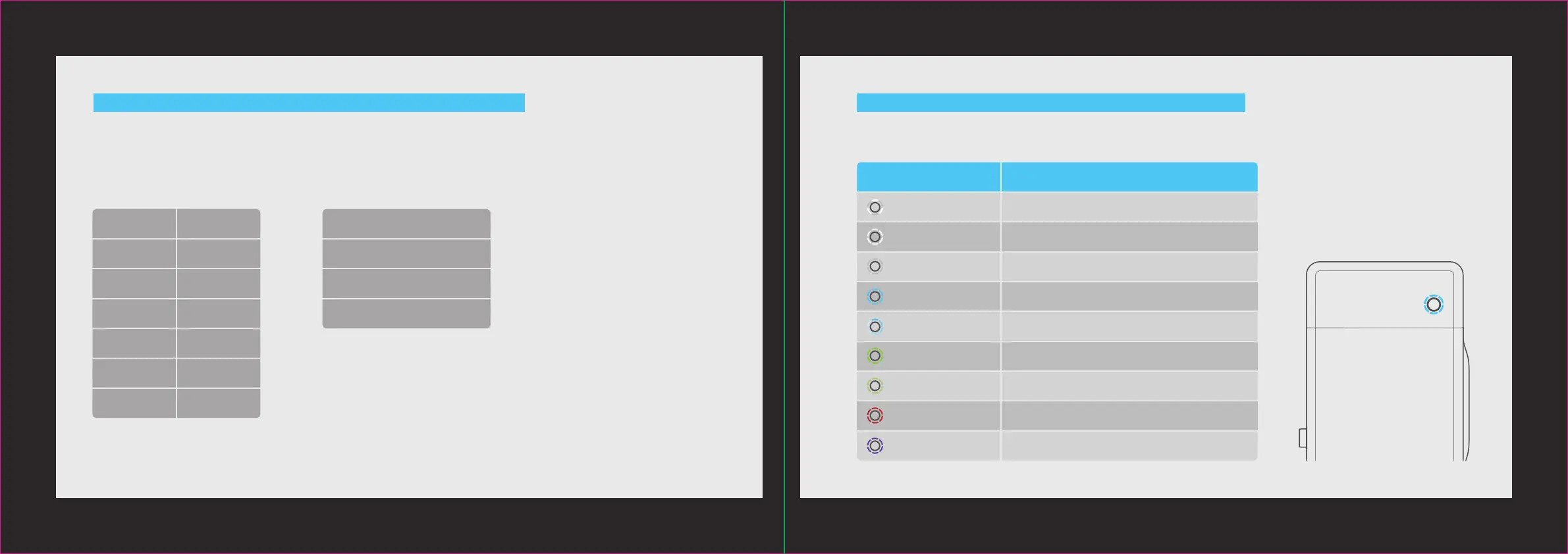
Appendix 2: Annular Indicator Status Description
CardboardPaper Uneven material
Humid material
Dirty material
Out-of-gauge material
Wood board Acrylic
Leather
Cloth Base plate
ABS-based color board
PET Rubber
Plastic Corian
Wood veneer Glass fiber
Indicator status Description
Flashing white The system gets started.
Waiting to connect.
Completion.
Abnormal.
Sleep mode. It goes into the sleep mode from the
standby mode aer 10 minutes idle.
Solid white
Solid blue
It is ready and the image has been sent successfully.Flashing blue
Six indicators light
up gradually
Green breathing indicator
Solid red
The Laserbox firmware is being upgraded.Solid purple
Solid green
It is in the standby mode and the Laserbox has been
connected to the computer.
It is in the working status, and the number of
indicators that are ON indicates the current progress.


 To Next Page