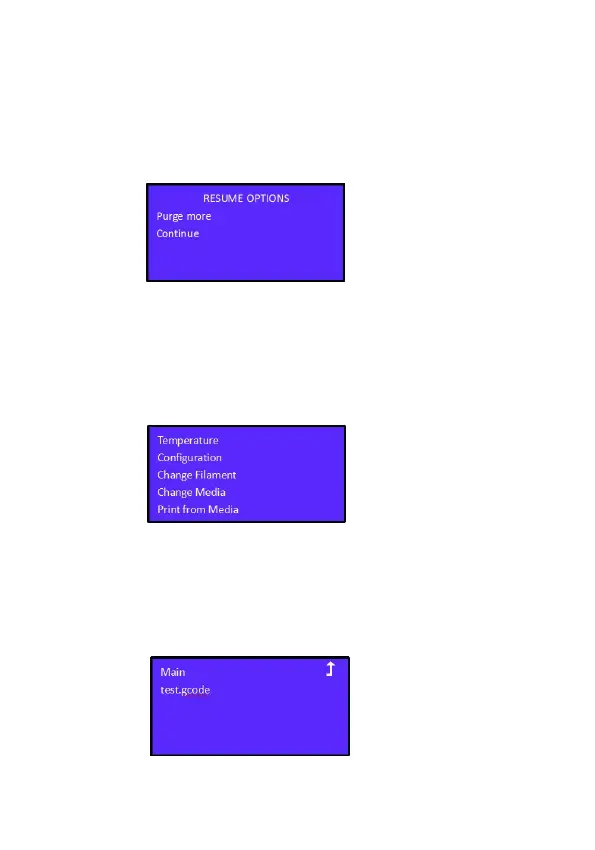
After the load filament is completed the interface will display;
Purge more; will continue to extrude more; Continue; allows you
to proceed. The final step, after selection, will return you to the
main interface.
Chapter 5 Choose the model to print
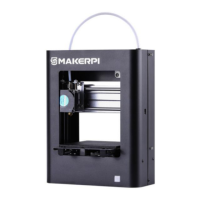
Press the knob to enter the menu, select "Print from Media", and
press the knob to confirm the selection.
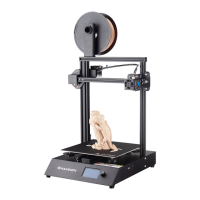
Choose the test files or a file that you have compiled in the slicer
software as .gcode, wait for the machine to prepare temperatures
and start printing.


 To Next Page