Operations
Ope ration s
Switching ON/OFF
Auto power-off
Place the lock switch to the unlocked position
(see Levelling lock). To activate auto power-
off after 30 min operation press and hold the
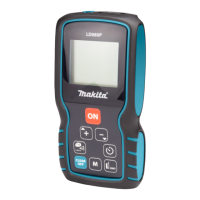
ON button at start for 5 sec. The status LED
blinks 3 times in green colour. To deactivate
it again repeat the described steps until the
status LED blinks 3 times in red colour.
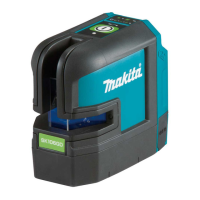
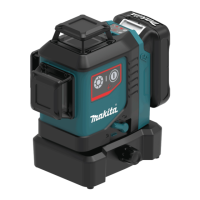
Makita SK700D/SK700GD
9


 To Next Page
 Loading...