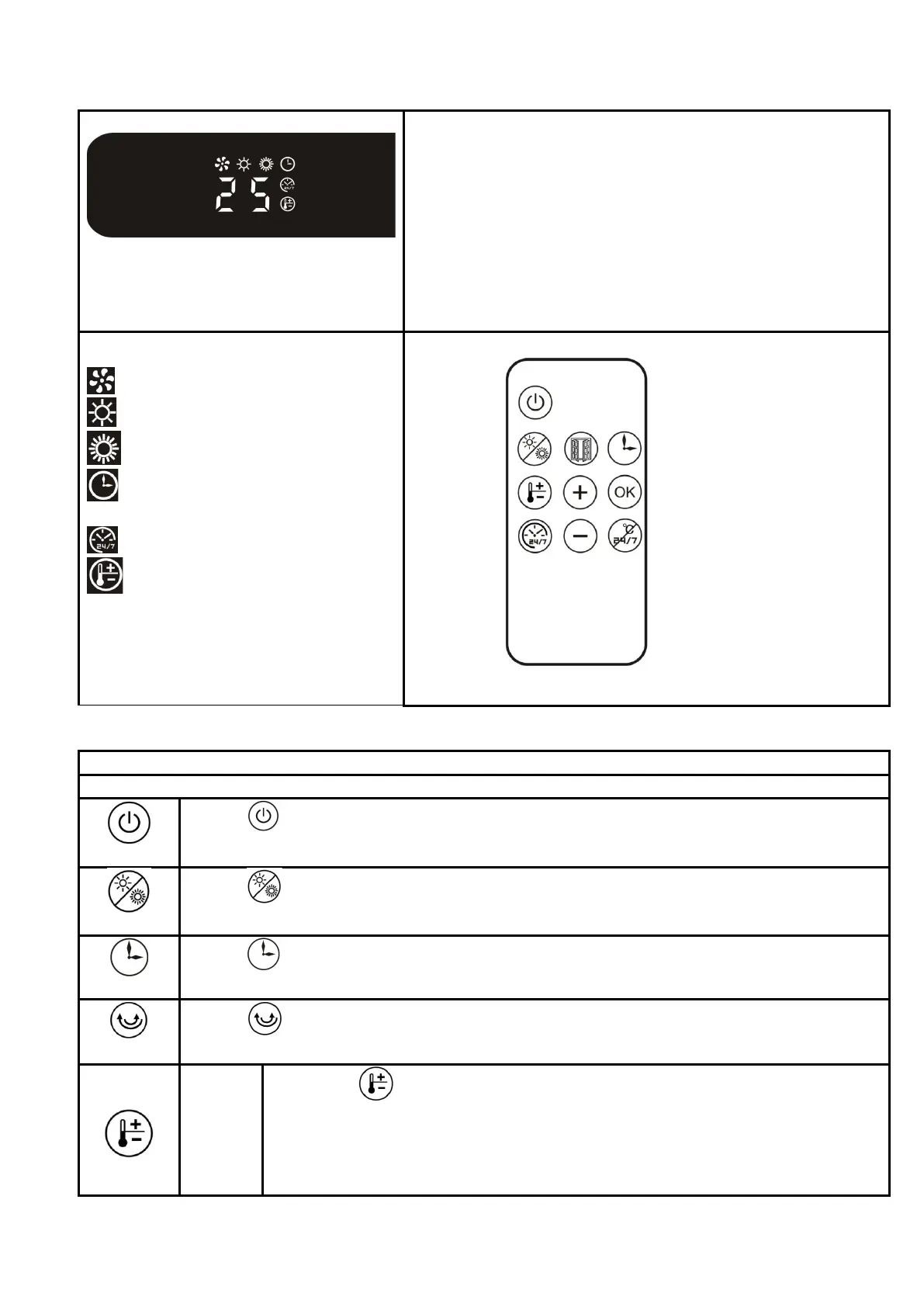
1、Turn on the power switch, LED display Environment
temperature, the appliance is standby.
2、At the right side of the appliance base have a switch,
Press “START/STOP”, High heat, press again, the
appliance will shutdown.
3、All function need to be operated by remote control.
4、Fan keep working for 30 seconds when shutdown
the appliance(after heating)
Note: The indicator lights when corresponding function is
working
Display symbol description:
: FAN
: Low heat 1000W
:High heat 2000W
:Timer
: Week timer
:Light on:
set temperature mode,
temperature range 18-45℃
Light flickering:
Open window detection start up.
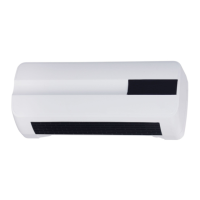
PTC-3020L-E with Remote control. without Swing function.
Remote control:
Power
Press “ ” as follows: ON(Fan working), OFF(Fan keep working for 30 seconds
when shutdown the appliance after heating).
Heating
Press “ ” as follows: Low heat, High heat, FAN working.
Timer
Press “ ” to set timer as follows: 1H,2H,3H.....8H. When week timer is start up,
you can not set this timer function.
Swing
Press “ ” as follows:, SWING ON, SWING OFF
Note: PTC-3018L-E、PTC-3019L-E、PTC-3020L-E Without Swing function.
Set
Set
temper
ature
mode
Light
1、Press “ ”, set temperature mode is stand by, Press “+” “-” to adjust
temperature, Temperature range: 18-45℃.
Press “-”,
Set temperature is equal to or lower than Environment temperature, stop
17/38


 To Next Page