temperatu
re
On heating.
Press “+”,
Set temperature is 1-2℃ higher than Environment temperature, Low
heating.
Set temperature is higher or equal to Environment temperature+3℃, High
heating.
2、Press OK, or after LED flickering 5s, set temperature mode is start up.
Open
window
detection
Open
window
detectio
n
Light
flickerin
g
1、Open window detection only can be start up when appliance in
heating mode(can not start up when appliance is only fan working) or in
set temperature mode.
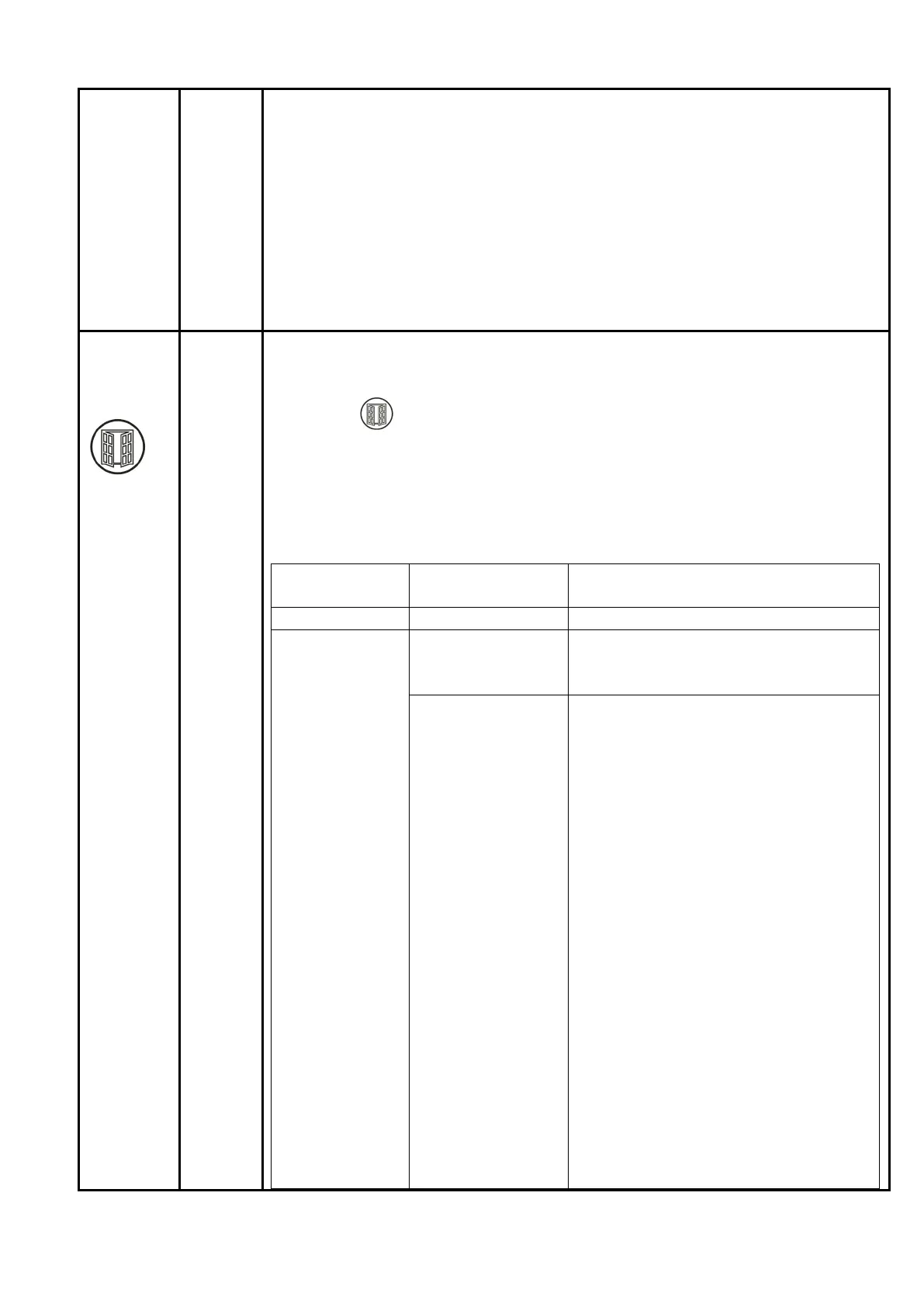
2、Press “ ”, Open window detection on, Open window detection off.
3、Temperature detection start up after 1 minute from Open window
detection start up.
Per 10 minutes(temperature slow down detection check point) as a round,
in one round, detect the temperature once every 5 minutes(temperature
fast down detection check point). Detail in the following table.
Time round
Min: s
Time
Min: s
Description
00:00 - 01:00 0:00
Open window detection start up
01:00-11:00 1:00
Temperature detection start up
Temperature detection starting
check point
6:00
Temperature detection check point 1
(temperature fast down detection check
point).
1、Temperature detection check
point 1 reduce from Temperature
detection starting check point
≤8 , the appliance keep ℃ heating
and Open window detection keep
working.
2、Temperature detection check
point 1 reduce from Temperature
detection starting check point >
8℃. The appliance stop heating
and stand by, Open window
detection stop.(See Remarks)
3、Temperature detection check
point 1(**℃) ≥ Temperature
detection starting check point, the
appliance keep heating and Open
window detection keep working
**℃: Maximum detection
temperature 51℃(See power-off
protection)
18/38


 To Next Page