finished
P1
Default
Mode
(see
detail in
Mode
table)
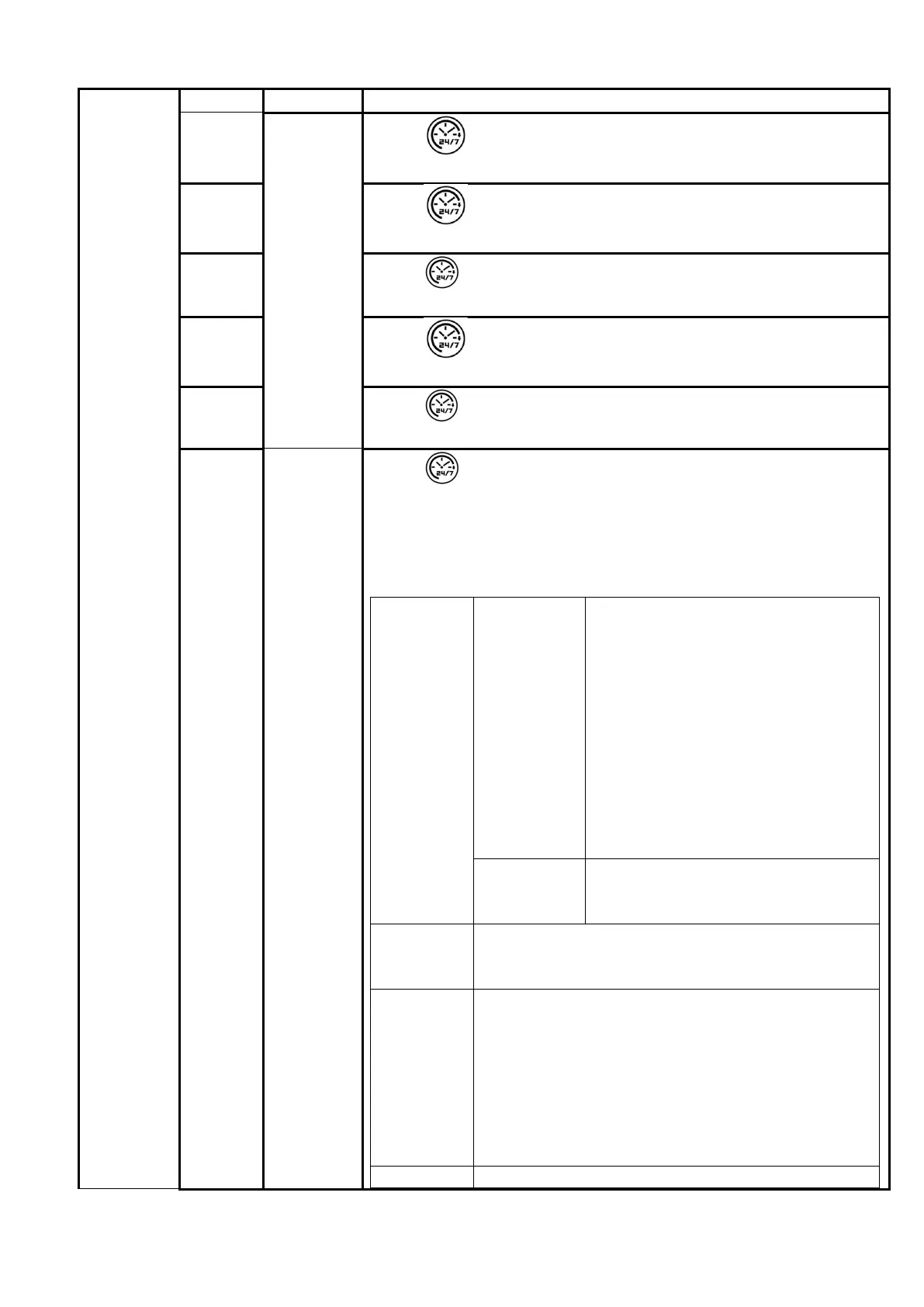
Press , LED display P1, press OK, select P1 Mode.
(Not press OK within 10s, Week timer setting is failure)
P2
Press , LED display P2, press OK, select P2 Mode.
(Not press OK within 10s, Week timer setting is failure)
P3
Press , LED display P3, press OK, select P3 Mode.
(Not press OK within 10s, Week timer setting is failure)
P4
Press , LED display P4, press OK, select P4 Mode.
(Not press OK within 10s, Week timer setting is failure)
P5
Press , LED display P5, press OK, select P5 Mode.
(Not press OK within 10s, Week timer setting is failure)
P6
Free
mode
Press , LED display P6, press OK, select P6 Mode.
P6 is free mode.
(Not press OK within 10s, Week timer setting is failure)
LED display 1, press + or _, from 1 to 7, set from Monday to
Sunday.
LED
display 1
and
flickering
(Monday)
Press OK Pre-set Mode at Monday
a、LED display 00, press + or -
to set from 0H to 24H, then press
OK, start time set completed. The
appliance start to work at this
time.
b、LED display 00, press + or -
to set from 0H to 24H, then press
OK, stop time set completed..
c、Set start time is 00, stop
time is 00, that Pre-set Mode
default shutdown.
Flickering
5s
Not set in 5s, Pre-set Mode in
Monday shutdown and skip to
2(Tuesday)
LED
display 2-
7
Setting method for 2 to 7 are the same as 1.
Note
1、In per day, only can set one working time
round(from start to stop)
2、Only can set hours, no minutes.
3、Pre-set Mode need to set start and stop
time both.
4、Pre-set Mode all 1-7 must set completed or
default showdown, After set the 7, week time
start up. Week timer light is on.
Quick LED 1-7 flickering, press + or - to adjust and
20/38


 To Next Page