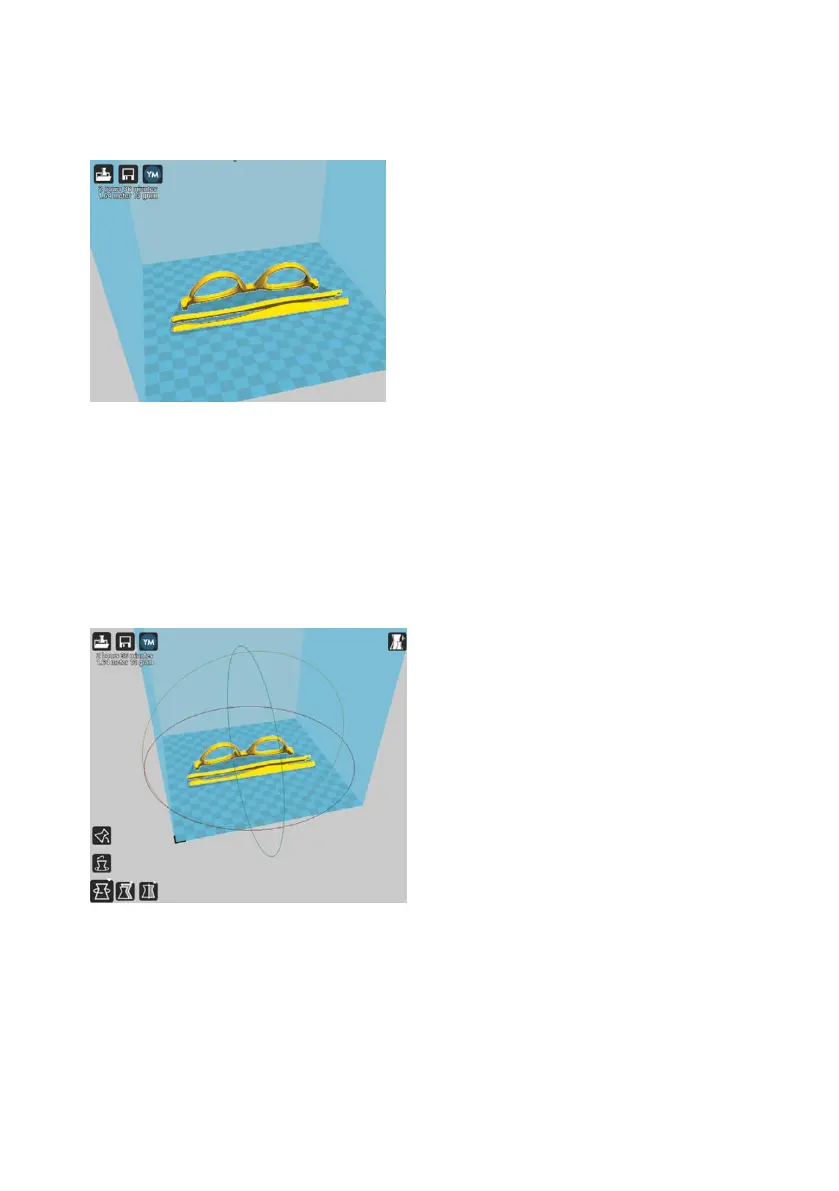
Rotate
The Rotate button will give you the ability to orientate your model along all
three axis. Once you click the rotate button, three circles will surround your
model. The red circle will allow you to rotate around the Z axis. The Yellow
circle will rotate around the Y axis. The Green circle will rotate around the X
axis.
The Lay Flat button will ensure that the flat portion of your print is securely
attached to the bed. It is highly recommended to use this option after
rotating your model in the Z direction, as it will help prevent adhesion
issues during the print.



 To Next Page