1.5 Starting Your First Print
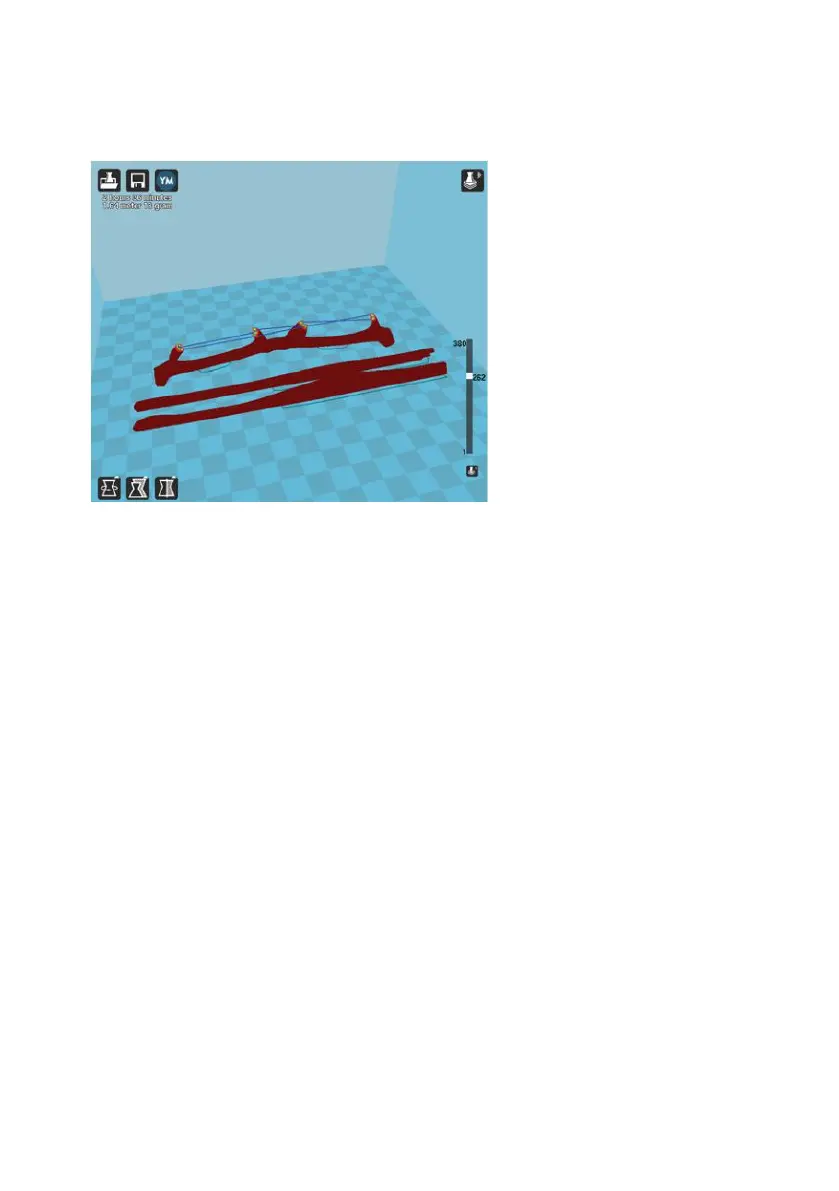
Once you have your model, profile, and filament loaded, it is time fo your
1.6 Removing Your First Print
After your first print has finished, you need to wait for the part to cool down.
Your parts will be easier to remove if your allow your heated bed to cool
down to optimal temperature. This will allow the plastic to contract, making
it easier to remove. Your print bed will move forward once it is ready to be
removed. Once your heated bed has cooled, use the handled knife that
was included with your printer to remove the item. Carefully insert the
blade of the knife between your print and heated bed. Once underneath the
part rotate the blade-lifting with the sharp edge into the part, to gently pop
the piece offer your plate.



 To Next Page