H.PRINTING
SD PRINTING (RECOMMENDED)
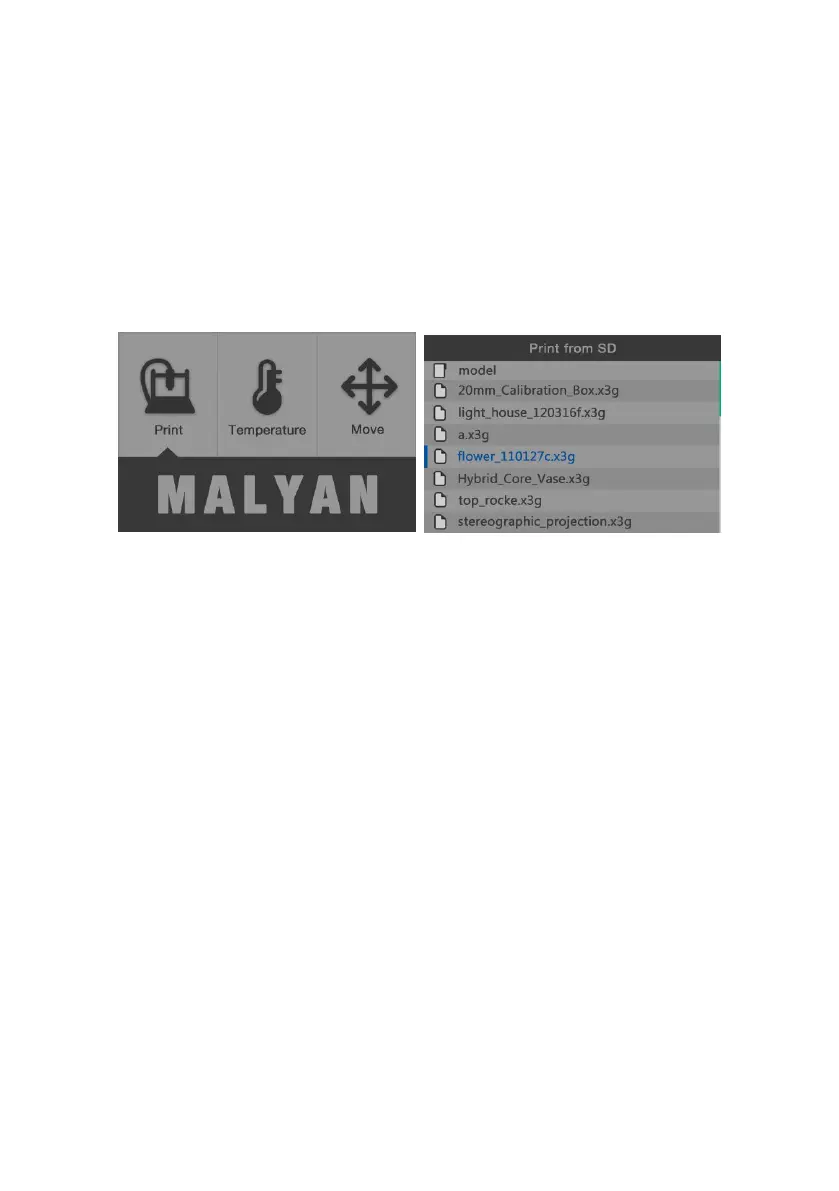
We have uploaded sample x3g files onto our supplied SD card, you can
insert it into the printer, click "Print from SD" on the LCD screen, choose the
file and print.
You can also download from (www.thingiverse.com etc) or create 3D STL
files, enable our Cura, generate to G Code then G Code and save to SD card
and print.



 To Next Page