12
3. Be sure the system is turned off or in suspend mode before
you close the display panel.
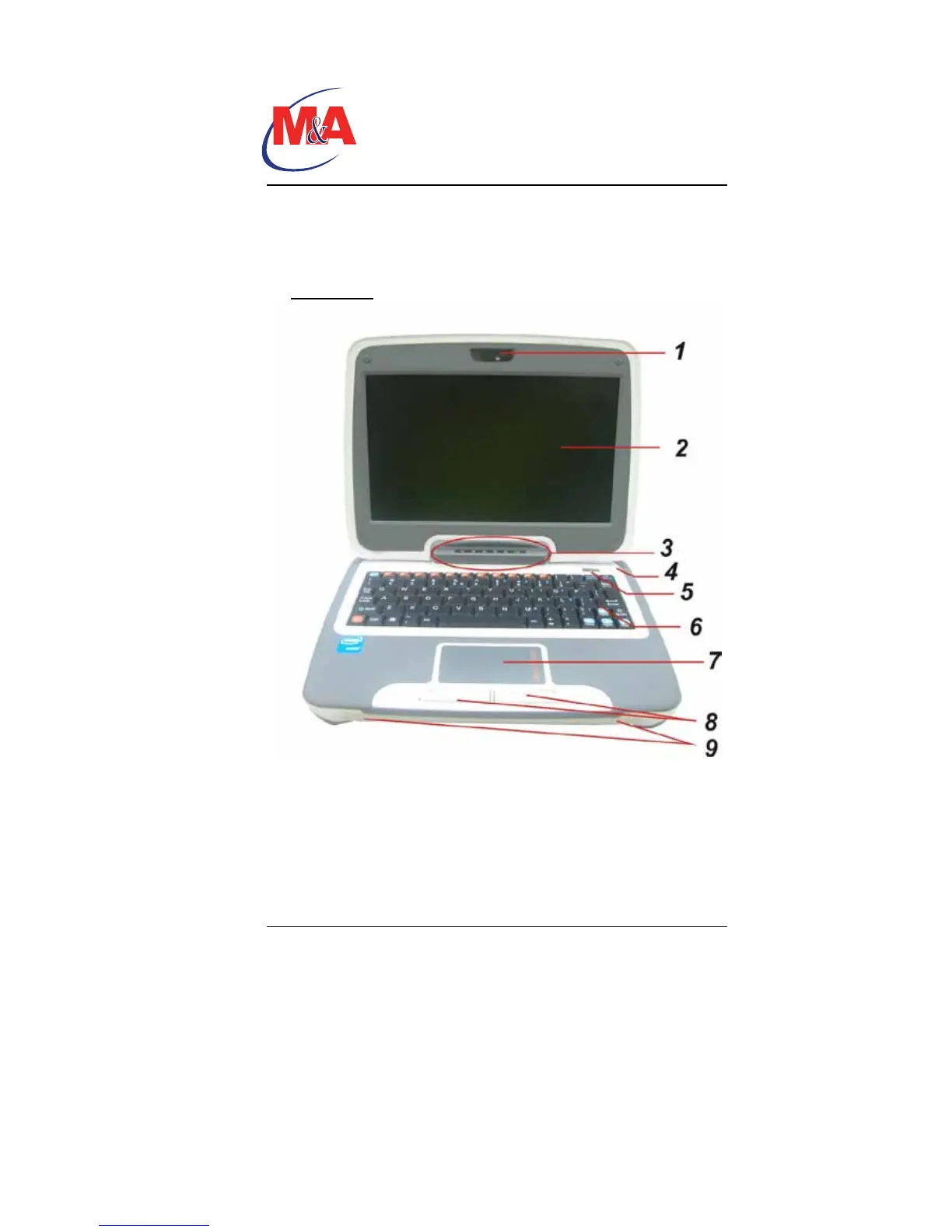
With the LCD screen open, you will see several features important
for operating your Intel-powered classmate PC.
Front View
1. CCD Camera
Use this camera for any video conferencing application.
2. LCD Display
The panel is where the system content is displayed.
Technology
Companion PC


 To Next Page