35
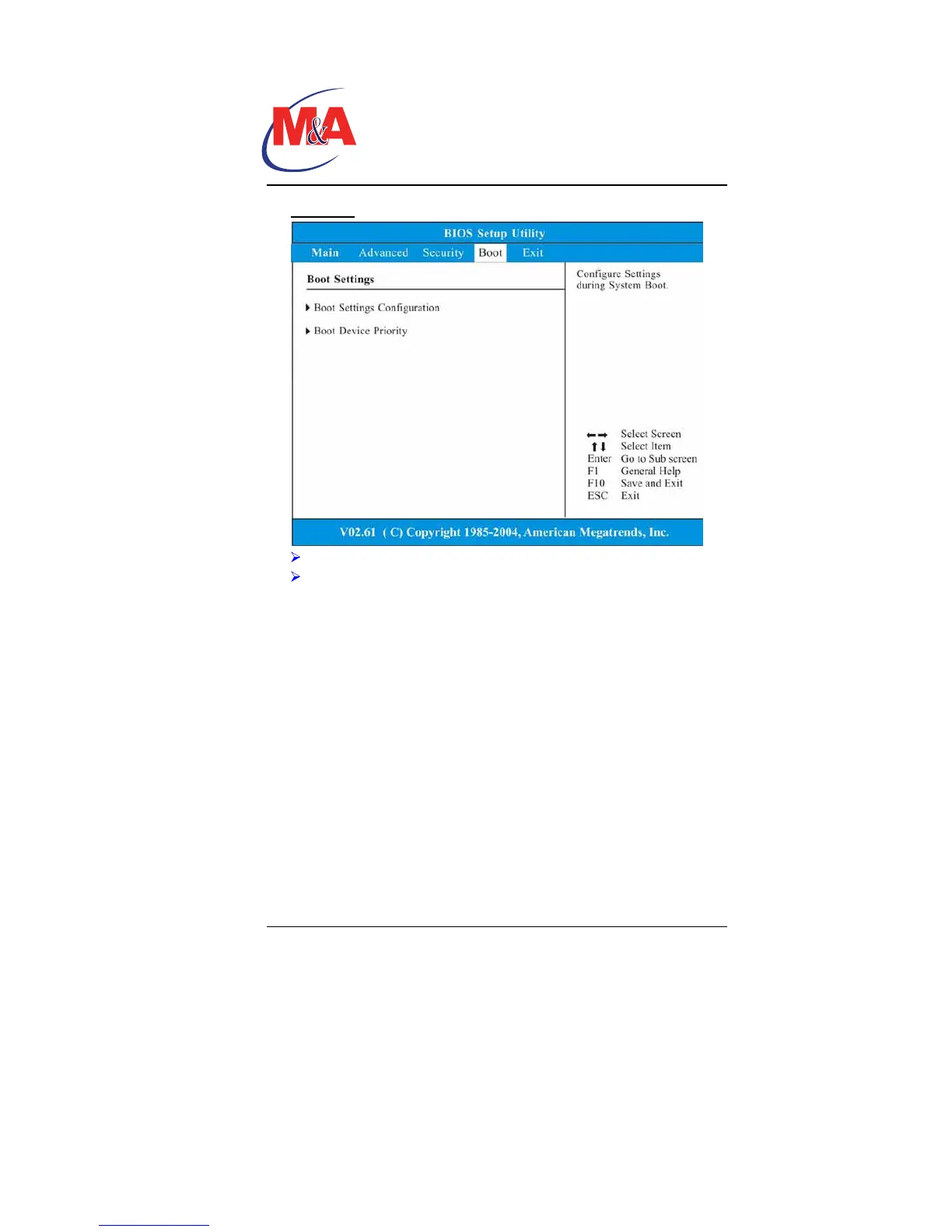
Security
Supervisor Password: Install or Change the Password.
User Password: Install or Change the Password.
Using Password Protection
Two Levels of Password Protection are available. The BIOS
provides both a Supervisor and a User password. If you try to
activate both passwords, the Supervisor password must be set first.
The passwords activate two different levels of protection:
1. System always asks for password every time it is powered on.
2. System asks for password only when you attempt to enter
BIOS utility.
The passwords are encrypted and stored in NVRAM. Make sure
you write them down or memorize them. If you loose the
passwords, the computer may need to be sent back to the factory
or to an authorized service dealer to reset the passwords.
Technology
Companion PC


 To Next Page