27
Graphic
Symbol
Action System Control
Fn + F1 Turns the Wired LAN module off or on.
When the Wired LAN function is enabled, the
LED status indicator shows green light.
Fn + F2 Enables or Disables the Wire LAN function.
Fn + F3 Enters the Suspend Mode.
When the system is in Suspend Mode, the LED
status indicator shows blinking in green light.
Fn + F4 Mute the system audio.
Fn + F5 Turns Speaker Volume down.
Fn + F6 Turns Speaker Volume up.
Fn + F7 Press this button to copy any graphic from the
screen.
Fn + F8 Press this button to hold the operation.
Fn + F9 Decreases Display Brightness.
Fn + F10 Increases Display Brightness.
T
T
h
h
e
e
T
T
o
o
u
u
c
c
h
h
P
P
a
a
d
d
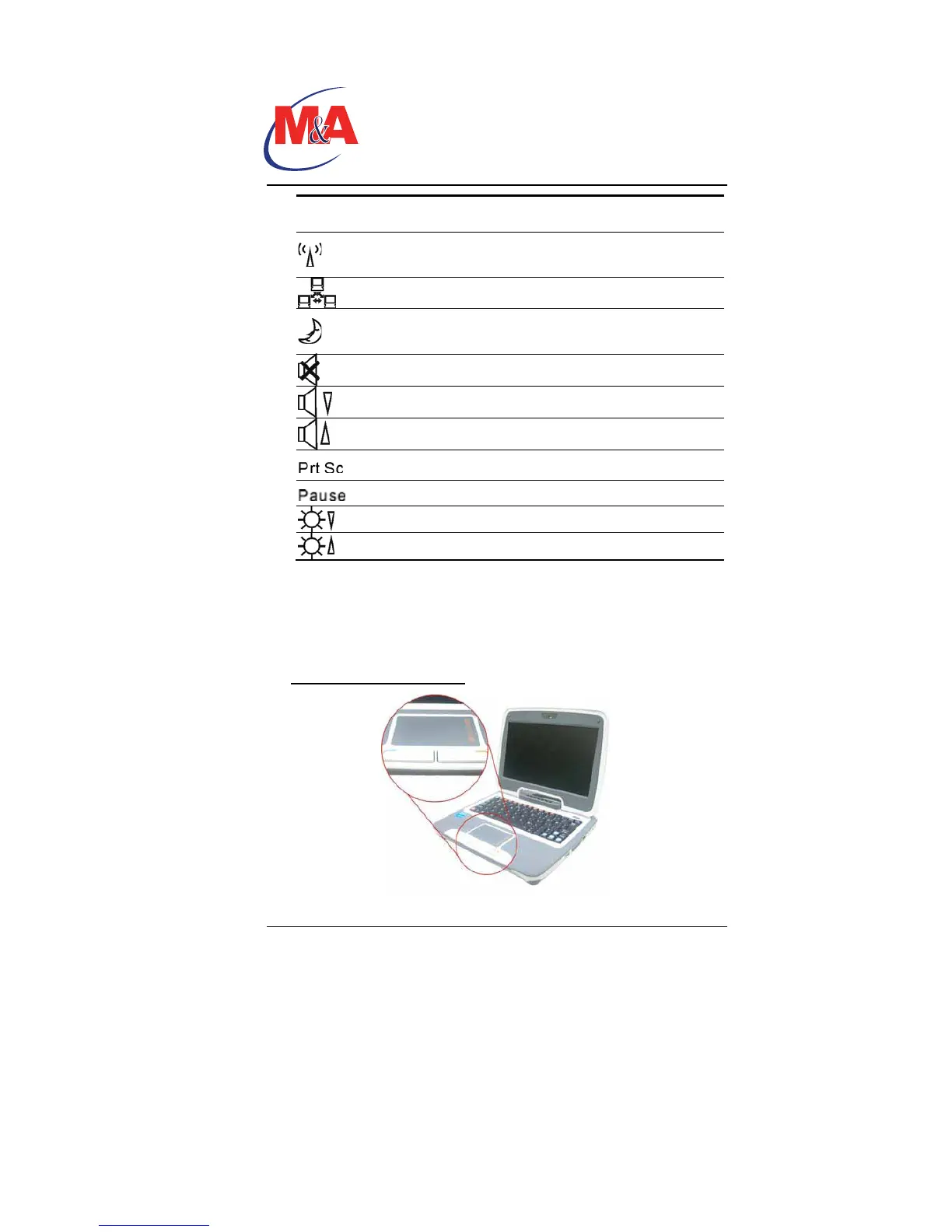
The touchpad is a rectangular electronic panel located just below
your keyboard. You can use the static-sensitive panel of the
touchpad and slit it to move the cursor. You can use the buttons
below the touchpad as left and right mouse buttons.
TouchPad Precautions
Technology
Companion PC


 To Next Page