17
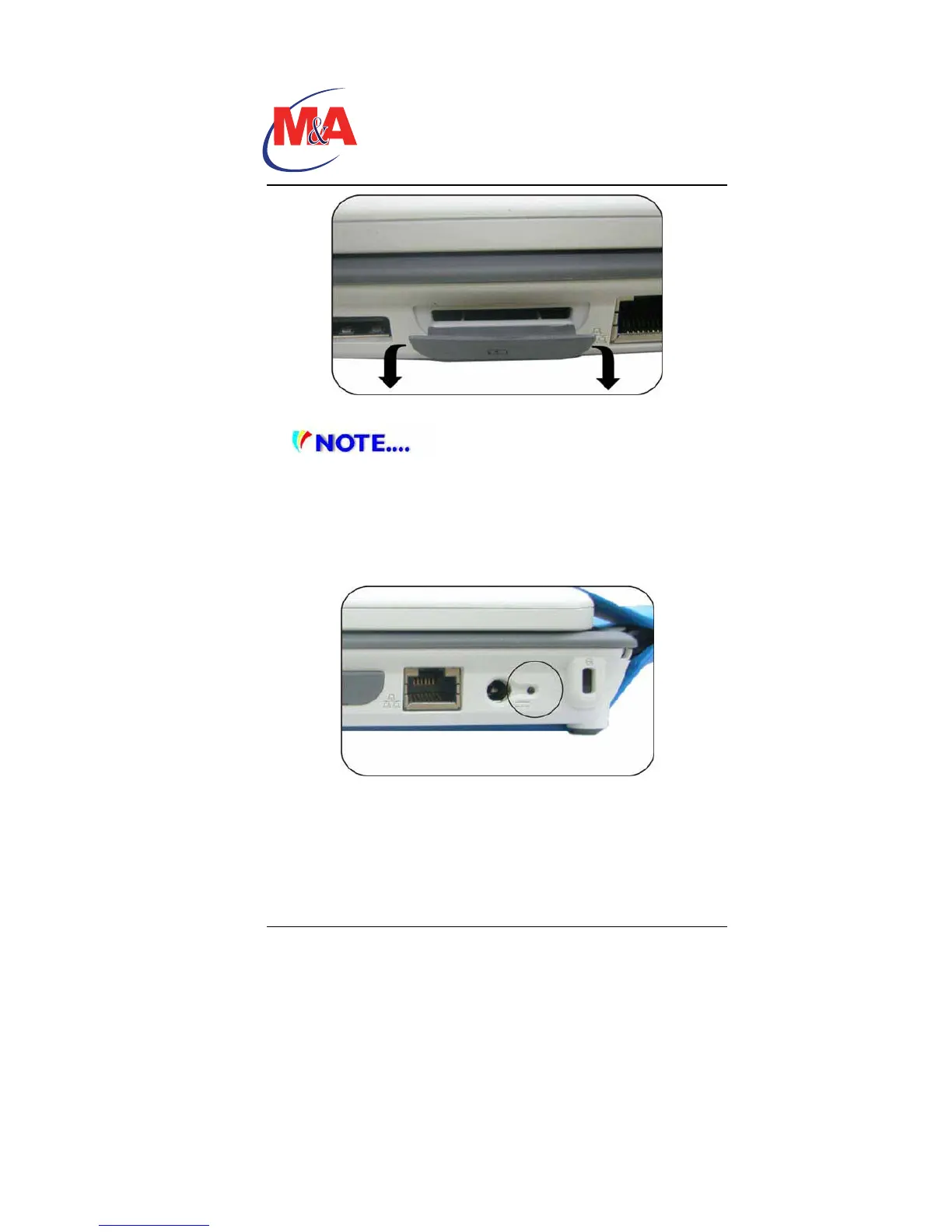
3. Ethernet / LAN Port
When using a LAN, please use an EMI
Shielding Cable to minimize an inteference when transmitting.
4. Power Jack (DC-in)
The DC-out jack of the AC Adapter connects here and powers
the computer.
5. Power Indicator
This LED will blink in green color once the AC adapter is
connected.
• Light off indicates there is no battery attached
• Green light indicates the battery is fully charged
• Fast blinking (1sec/cycle) indicates the battery
temperature is high
• Blinking (2sec/cycle) indicates the battery is in charging
mode
Technology
Companion PC


 To Next Page