38 CSS-VC-1.6 | 1.01.03 www.mc-techgroup.com
16.7 SETTING SERVICE INTERVAL, LANGUAGE, CONTROL TEMPERATURES AND
TEMPERATURE SENSOR TYPES
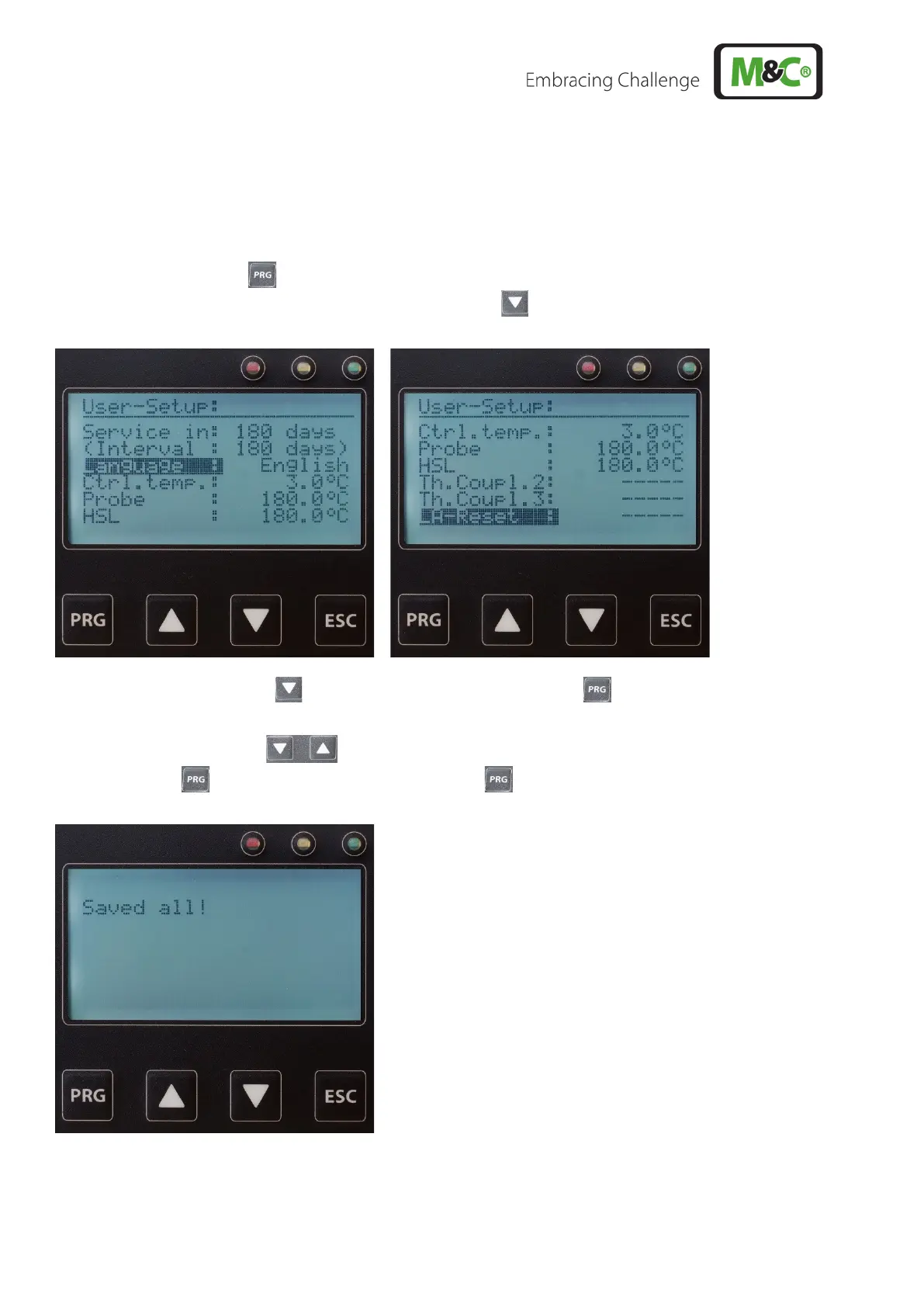
To change service interval, language, control temperatures and temperature sensor types:
• Disconnect the device from the mains.
• Hold the PRG key down and switch the device back on until the message to release the key
is displayed. The following is displayed (2nd screen ):
• Select the parameter to be changed using the arrow key and confirm using the PRG
key.
• Use the arrow keys, the settings and values can be changed and confirmed with the
PRG key . Press and hold down the PRG key for 5 seconds to apply all changes.



 To Next Page