dmc1
www.mssystems.com | 800.421.1587 | 6
Scan Mode
Two scan modes are available:
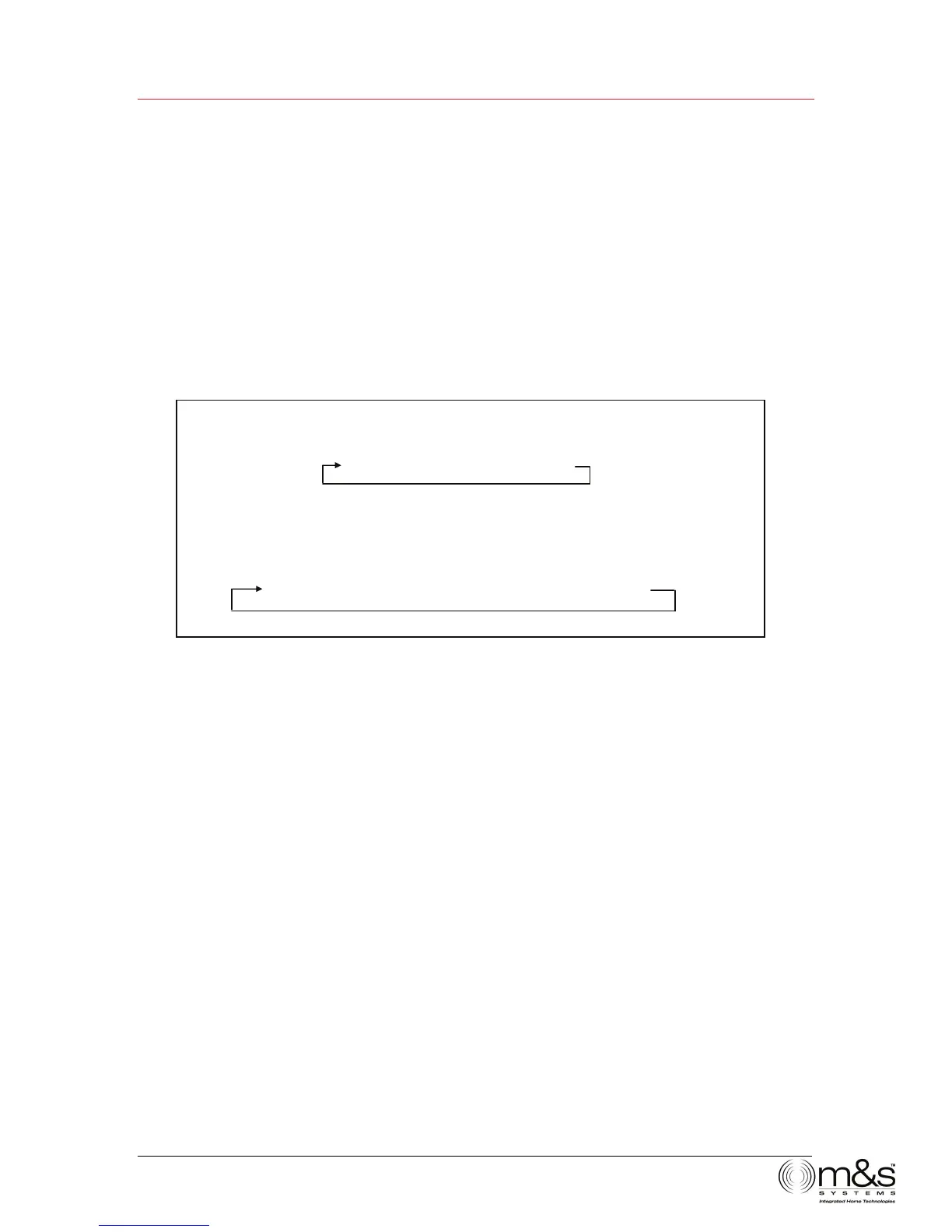
• Scan 1—Allows the Room/Patio stations to scan through the four music sources
(AUX, AM, FM, CD). On radio bands AM and FM, Scan 1 scans through the preset
radio stations: AM 1-8 and FM 1-8. See Music Settings/Radio Settings for information
on how to preset radio stations.
• Scan 2—Allows Room/Patio stations to scan through the four music sources (AUX,
AM, FM, CD.) On radio bands AM and FM, Scan 2 scans all strong stations before
moving on to the next source.
Figure 4—Scan Progressions
To set the Scan Mode:
1. To change the scan mode, simultaneously press and release PRESET and SOURCE
again. The display shows either Scan1 or Scan2.
Note: Exit out of scan mode by pressing PRESET and SOURCE or waiting for the display
to show the clock time again.
Scan 1
AUXfAM 1-8fFM 1-8fCD
Scan 2
AUX fAM Strong Stationsf FM Strong StationsfCD


 To Next Page