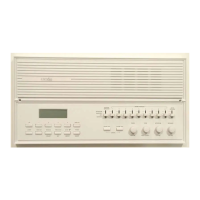
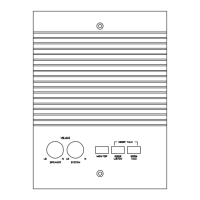
dmc1
www.mssystems.com | 800.421.1587 | 7
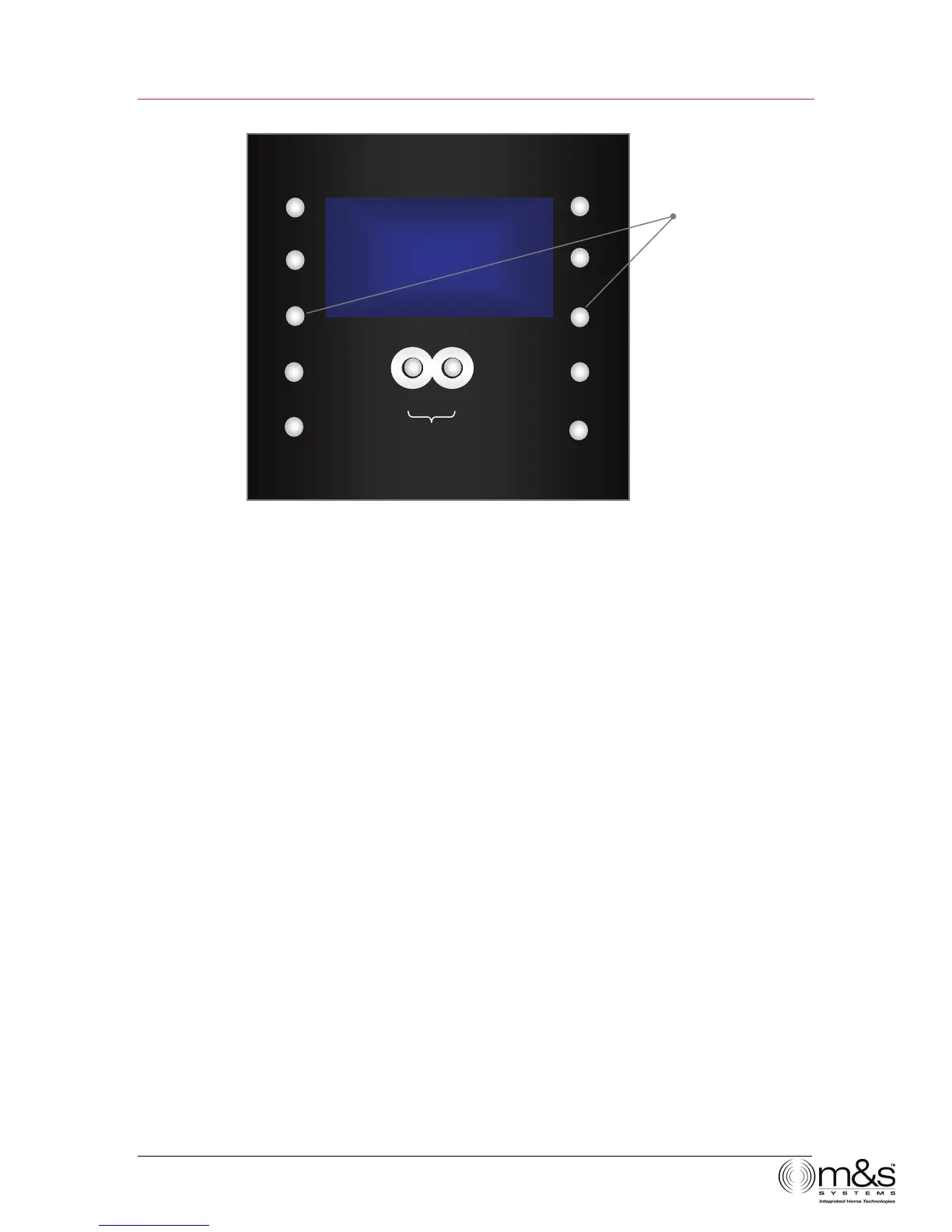
Figure 5—Scan Mode
Audio Settings
Volume
• Music—Adjusts the volume for system music
• Master Station—Adjusts the volume for the speaker on the Master Station only
• Intercom—Adjusts the volume for the system intercom
Tone
• Loudness
• Treble
• Bass
• Balance (if you have the optional stereo power amplifier)
To change volume and tone settings:
1. Press POWER to turn on music. The system defaults to music volume. Use
VOLUME UP and VOLUME DOWN to adjust the music volume from 0-29. All
other audio settings return to music volume after 5 seconds.
2. Press TONE. Master Volume appears. This controls the volume for the Master
Station speaker only. Use VOLUME UP and VOLUME DOWN to adjust the Master
Volume from 0-29.
∧
TUNE
SCAn1
UTO
TIME
PRESET
POWER
TONE
SOURCE
∧
VOLUME
∨
LISTEN TALK
DOOR TALK
∧
TUNE
∨
PRESET + SOURCE
Change Scan mode.


 To Next Page