dmc3-4
M&S Systems | 2861 Congressman Lane | Dallas, Texas 75220 | 800.877.6631 | www.mssystems.com 3
Clock Settings
You can set two clock functions:
• Normal—Displays the normal time of day.
• Music Auto On/Off—Sets the times to automatically turn the last music source on
and then off.
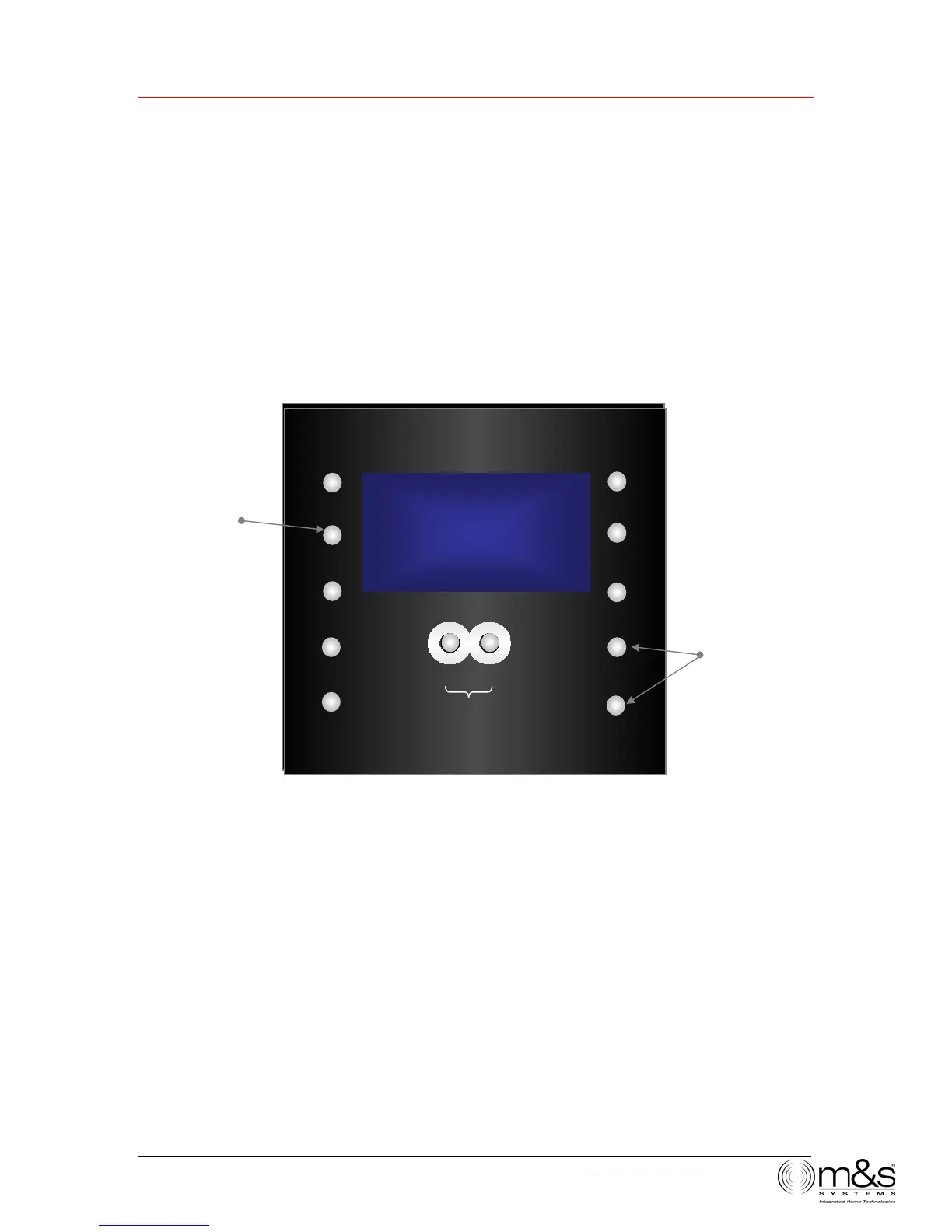
Figure 2—Clock Settings: Set Time
To change clock settings:
1. Press TIME. The hour field for Normal Time blinks, and SET TIME appears on the
display.
2. Press VOLUME UP or VOLUME DOWN to change the hour. An A or P indicates
AM or PM, respectively.
3. Press TIME. The minute field blinks. Use the VOLUME buttons to change the
minutes.
l2:20
UTO
TIME
PRESET
POWER
TONE
SOURCE
¿
VOLUME
LISTEN TALK
DOOR TALK
Set normal time
and music Auto
On/Off times
¿
TUNE
:20P
UTO
TIME
PRESET
POWER
TONE
SOURCE
VOLUME
LISTEN TALK
DOOR TALK
TUNE
Change hours and
minutes
SET
TIME


 To Next Page