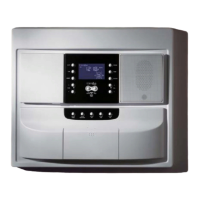
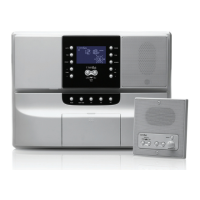
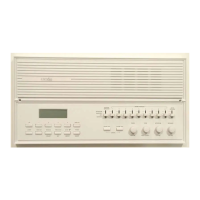
MC350A ROOM SPEAKER OPERATION
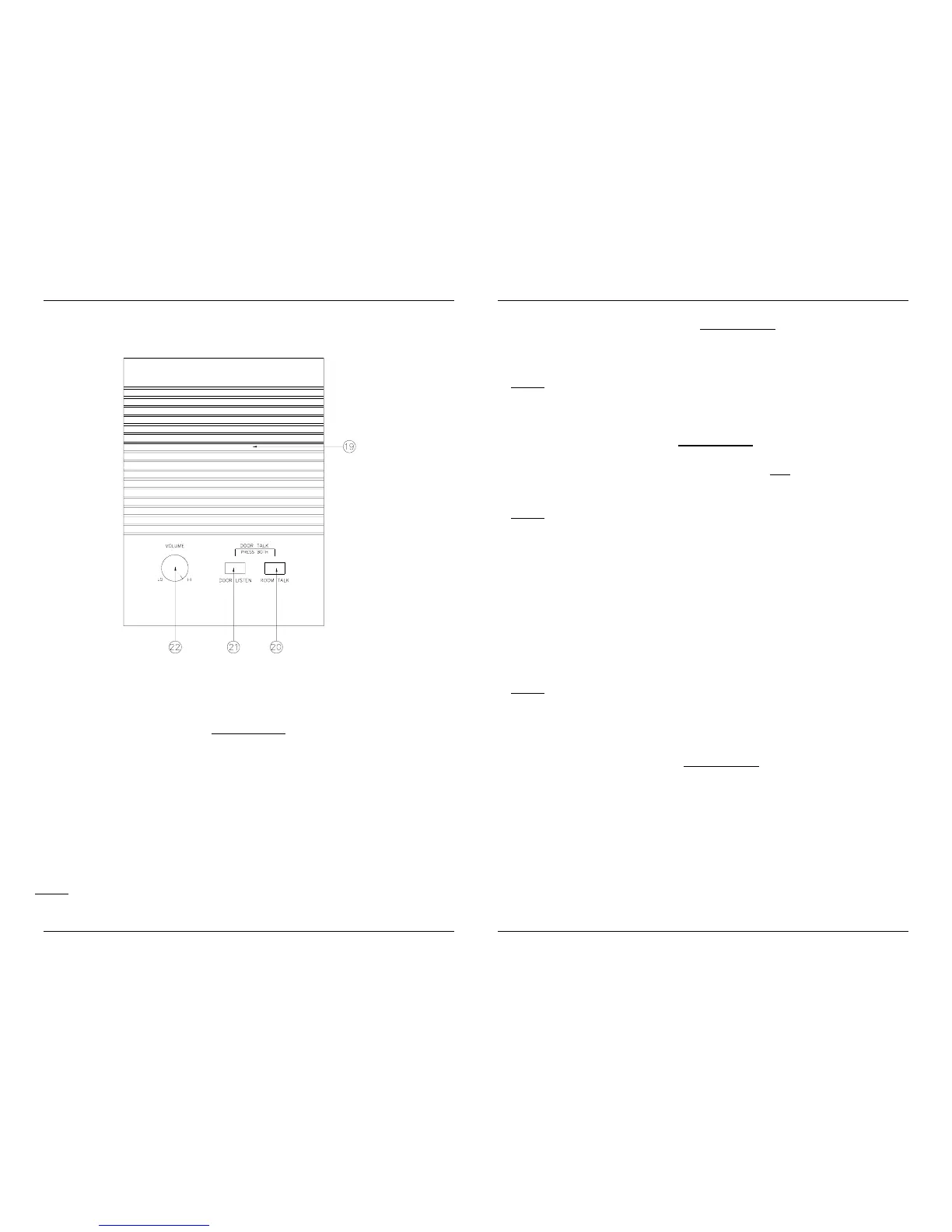
19. ROOM SPEAKER/MICROPHONE High-Fidelity Speaker. This also
is the microphone for communications from the room.
20. ROOM TALK BUTTON - always active.
This button is used for talking
to the other rooms and to the master. To talk to someone in another room
hold the ROOM TALK BUTTON in while talking in the direction of the
microphone. Release the ROOM TALK BUTTON when you are finished
talking. For a person to talk to you from another room, that person must hold
in the ROOM TALK BUTTON on the room speaker while talking in the
direction of that microphone. When that person stops talking and releases
their ROOM TALK BUTTON, you may talk to the room(s) again by holding in
the ROOM TALK BUTTON.
NOTE
: When talking to a person in another room, you will be heard at each
speaker that is in the RAD/INT, or INT position (See step 18).
21. DOOR LISTEN BUTTON - always active.
This button is used for
listening to the outside door speaker(s). To listen to someone at the door
speaker(s) hold in the DOOR LISTEN BUTTON.
NOTE
: When listening to the person at the door(s), that person will be
heard at each speaker that is in the RAD/INT, or INT position (See step
18).
20 & 21. DOOR TALK - always active.
These buttons are used for
talking to the outside door speaker(s). To talk to someone at the door
speaker(s) hold in the ROOM TALK BUTTON and
the DOOR LISTEN
BUTTON while talking in the direction of the microphone.
NOTE
: When talking to the person at the door(s), you will be heard at each
speaker that is in the RAD/INT, or INT position (See step 18).
22. ROOM SPEAKER VOLUME KNOB - Recommended setting:
Maximum. This knob is used to control the volume of the ROOM
SPEAKER. Turning the ROOM SPEAKER VOLUME KNOB clockwise
increases the ROOM SPEAKER volume and turning it counter-clockwise
decreases the ROOM SPEAKER volume. The ROOM SPEAKER
VOLUME KNOB should be normally be set to maximum (fully clockwise)
and the RADIO VOLUME KNOB (See step 14) should be used to adjust for
the proper listening volume.
NOTE
: The ROOM SPEAKER VOLUME KNOB can be used to prevent
others from monitoring the room that you are in by turning the VOLUME
KNOB fully counter-clockwise. Just remember that you will not hear the
intercom or door chime with the VOLUME KNOB in this position!
OPTIONAL DOOR RELEASE - always active.
If the speaker is wired for
the Door/Gate release function, the ROOM SPEAKER VOLUME KNOB
can be used to open the Entry Door or Gate. The Door/Gate release is
activated by pushing on the ROOM SPEAKER VOLUME KNOB for 5
seconds.


 To Next Page