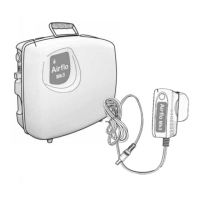
airo (battery version)
8
ME0082 issue 1
Cleaning
Unplug the Airo from the battery charger.
Clean the external surfaces using a damp cloth
and allow to dry thoroughly before reconnecting
to the battery charger. Do not allow moisture to
enter any part of the compressor.
Do not use solvent-based products.
Storage
When not in use, store in a dry place together
with these instructions. To maintain the batteries,
when being stored for long periods, put the
Airo on charge overnight every 6 months.
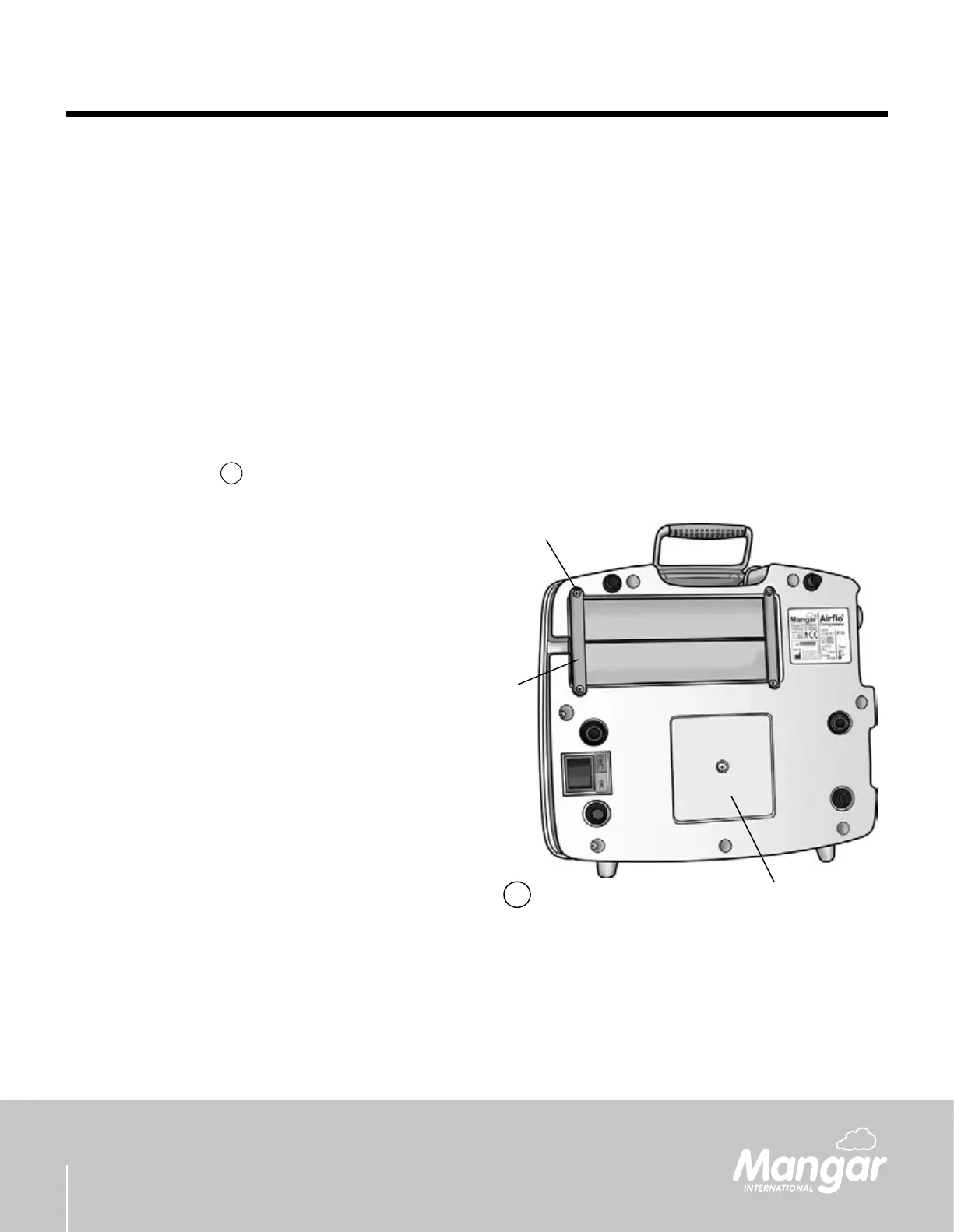
Maintenance - g.
11
At approximately 12 month intervals, inspect the
air lter located in the base of the Airo (A), and if
necessary, t a new lter (a kit of replacement lters
is available through your supplier - part number:
CA0233).
Battery replacement:
Turn the Airo upside down and remove the four
screws (B) followed by the two battery supports
and rubber spacers (C). Turn the Airo the right
way up to remove the batteries.
Fit the replacement batteries so that their
contacts are towards the center line of the
battery compartment. NOTE: Be careful not
to displace the battery compartment terminals
when changing the batteries.
IMPORTANT: Always replace both batteries and
use the same type.
The Airo contains no other serviceable parts. If a
fault should develop, please contact your supplier
for further advice.
For details of Mangar International’s full
range of Customer Services please contact:
customerservice@mangar.co.uk or contact your
local supplier.
•
•
•
•
•
B
A
C
11


 To Next Page