airo (battery version)
5
freedom through lightweight solutions
ME0082 issue 1
5
A
6
A
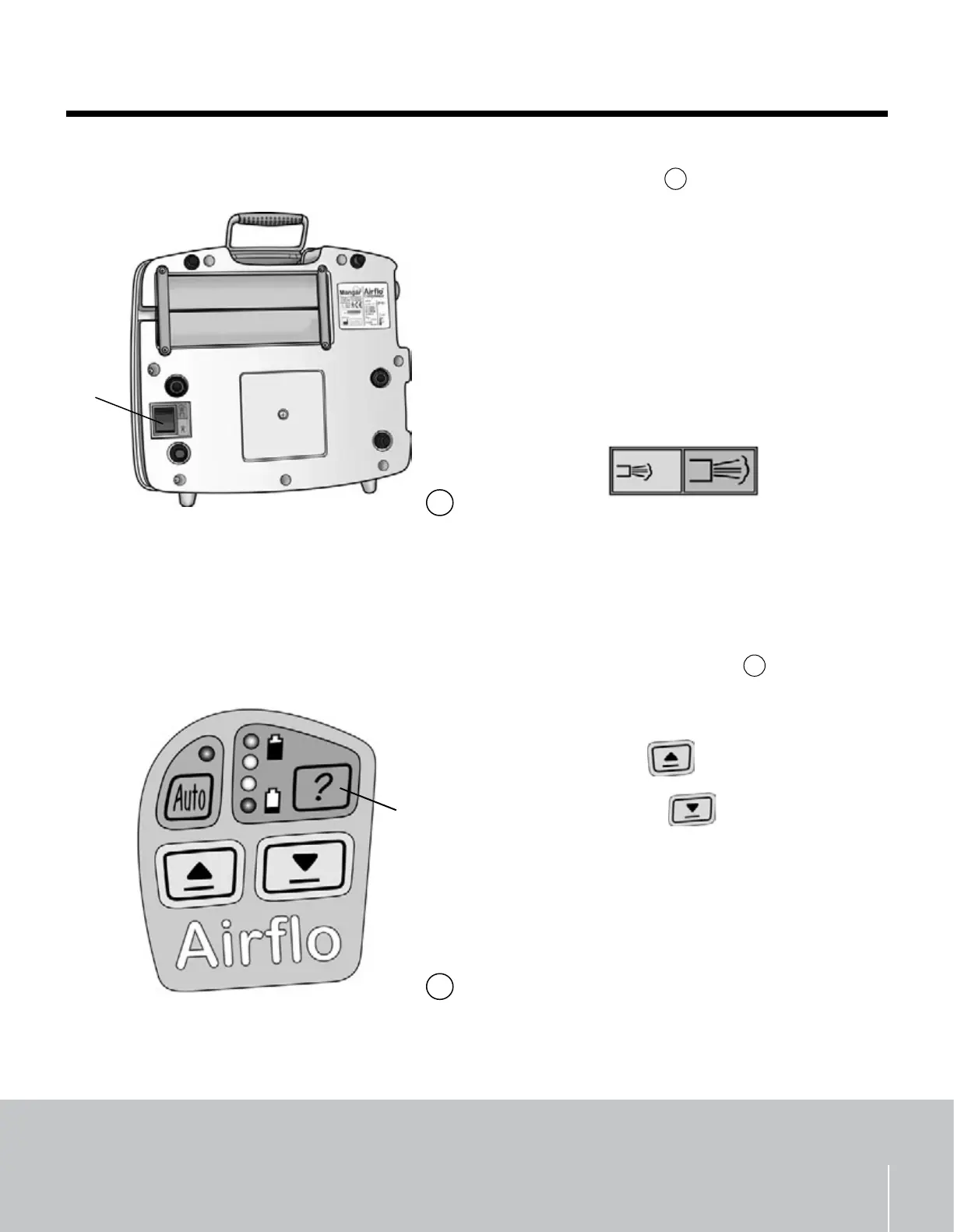
Extra Air Flow - g.
5
The switch (A) on the underside of the Airo
changes the air ow from ‘Normal’ to ‘High’. The
switch should usually be set to ‘Normal‘ and only
changed to ‘High‘ when directed to do so by the user
instructions for the Mangar International product
that is to be inated. The ‘High’ setting allows for
faster ination of the larger Mangar International
products such as the Mangar Wedge, Mangar
Handy Bather and Mangar CAMEL.
Press the switch to change between ‘Normal’
and ‘High’ air ow.
Normal High
WARNING: DO NOT operate the Normal/High air
ow switch while the compressor is running.
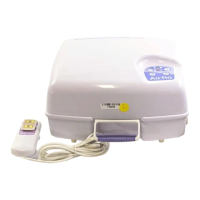
Different ways to operate the Airo
Built-in Control Buttons - g.
6
These are located within the recessed ‘Airo’ label
on top of the compressor.
Press the ‘Up’
button to raise.
Press the ‘Down’
button to lower.
The ‘Up’ or ‘Down’ buttons can be set to operate
for a preset duration of 60 seconds. To select this
function:
While pressing the ‘Up’ or ‘Down’ button
momentarily press the battery indicator button
(A) and then release the ‘Up’ or ‘Down’ button.
The Airo will continue inating or deating for
60 seconds. The function can be cancelled by
pressing any button.
•
•
•
•


 To Next Page