44
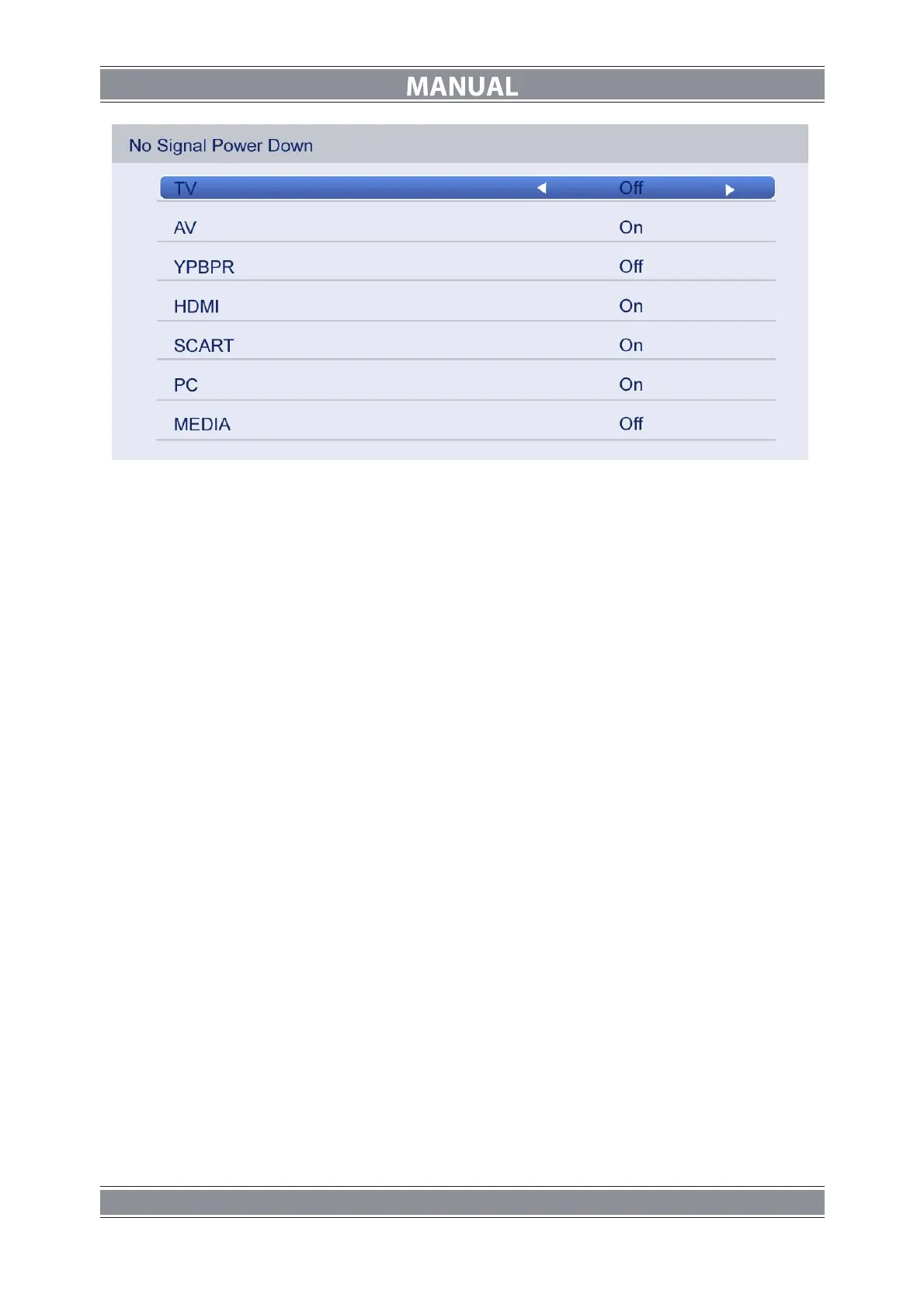
Press ▲/▼ button to select the options and press ◄/► button to select ON or OFF.
PIN Setting
Press ▲/▼ button to select PIN Setting, then press ENTER button to enter the sub menu,
and than you can set a password.
Parental Control
Press ▲/▼ button to select Parental Control, then press ENTER or ► button to enter the
sub menu. Then press ▲/▼ button to select Rate (From4-17, or None). Then press
ENTER or ► button to confirm.
Change Pin Code
Press ▲/▼ button to select Change Pin Code, then press ENTER to enter and Change Pin
Code menu will appear as follows:
Input old password at “Old Password”, (if the old password is incorrect, the password will not
be allowed to modify.)
Input new password at “New Password”.
Input new password again at “Confirm New Password”, if new password and confirm new
password consistent, the successfully updated menu will appear a few second, otherwise,
the menu will display the password mismatch.



 To Next Page