EasyManua.ls Logo

Maono AU-WM730 - User Manual

Default Icon
116 pages
Print Icon
To Next Page IconTo Next Page
Loading...
+
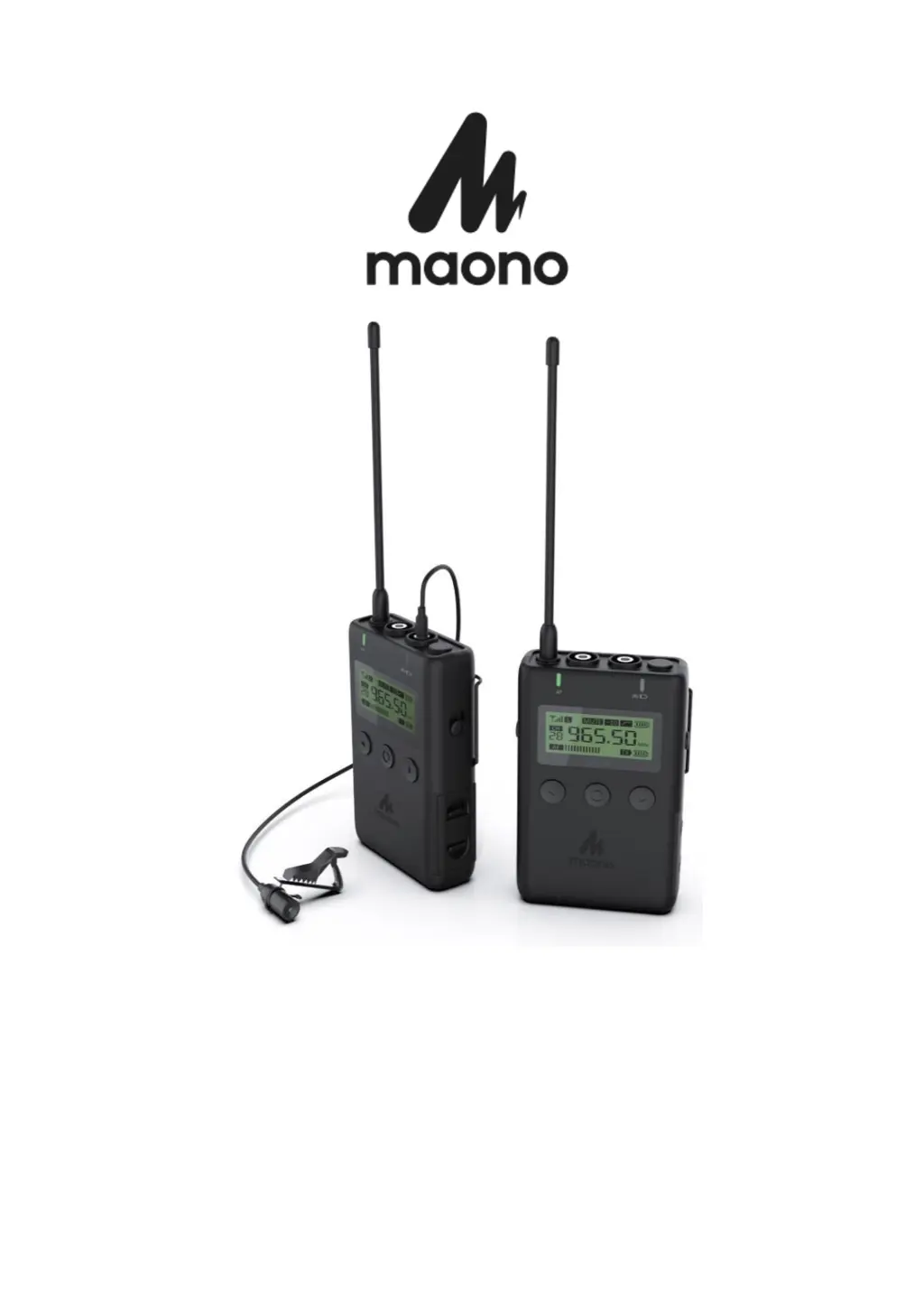
AU-WM730
User Manual • Uživatelský manl
Užívateľský manuál Használati utasítás
Benutzerhandbuch

Questions and Answers

  • W
    wilsondustinAug 7, 2025
    What to do if I can't turn on my Maono AU-WM730?
    • A
      ageorgeAug 7, 2025
      If your Maono Microphone won’t turn on, check the battery polarity in the battery compartment and correct it if necessary. Also, the battery may be dead, so replace it with a new one. Finally, clean the +/- terminals in the transmitter, as they might be dirty.
  • A
    andersonlisaAug 12, 2025
    Why is my Maono Microphone volume too low?
    • W
      wcainAug 12, 2025
      The volume of your Maono Microphone might be too low because the receiver volume is set too low. Adjust the volume to transmit at the highest level without distortion to get the best signal-to-noise ratio. Also, ensure the cable is inserted into the microphone jack, not the LINE IN jack.
  • T
    Tom RussoAug 18, 2025
    How to fix distortion in Maono AU-WM730 Microphone?
    • C
      Chad IngramAug 19, 2025
      Distortion in your Maono Microphone can occur due to several reasons: the receiver volume may be inappropriate, the transmitter and receiver channels might not be matched (set them to the same channel), or you might be using mono headphones. Use stereo headphones with a 3.5 mm connector.
  • D
    Don McclureAug 25, 2025
    What to do if the Maono AU-WM730 Microphone battery is about to run out?
    • C
      Charles ByrdAug 25, 2025
      If the Maono Microphone battery is about to run out, replace it with a new one. For optimal performance, use alkaline batteries.
  • F
    Frank BakerAug 31, 2025
    How to change the channel on a Maono AU-WM730?
    • M
      Mario JacksonAug 31, 2025
      To change the channel on your Maono Microphone, press the function key to enter the channel setting mode. Then, use the “Left/Right Key” to adjust the channel.

Summary

Caring for Your Microphone

Introduction

Product Features

Product & Accessories

Transmitter Buttons & Interface

Transmitter Front Side Controls

Details the display, left/right buttons, function key, and power switch.

Transmitter Side & Back Interfaces

Covers antenna, audio inputs, back clip, and bracket interface.

Receiver Buttons & Interface

Receiver Front Side Controls

Details the display, left/right buttons, function key, and power switch.

Receiver Side & Back Interfaces

Covers antenna, audio outputs, back clip, and bracket interface.

LCD Display Explanation

Transmitter Display Details

Explains power, mute, attenuation, low-cut, and battery level indicators.

Receiver Display Details

Explains mute, battery, frequency, and volume level indicators.

Battery Installation Procedure

Accessory Installation Guide

Microphone and Windscreen Attachment

Steps for securing the microphone clip and attaching the windproof cotton.

Connecting Microphone to Transmitter

Line-in Audio Input Functionality

Headphone Monitoring and Output

Camera Cold Shoe Mount Installation

Belt Clip Installation Method

System Setup and Pairing

Device Power On Procedure

Steps to correctly power on the transmitter and receiver units.

Channel Matching and Pairing Steps

Guide to synchronize transmitter and receiver channels for communication.

Transmit Power Level Adjustment

Power Switch and Mute Operation

Low Cut Filter & Attenuation Settings

Troubleshooting Guide

Warranty Conditions

EU Declaration of Conformity

WEEE Disposal Instructions

Maono AU-WM730 Specifications

General IconGeneral
Connectivity2.4GHz Wireless
Polar PatternOmnidirectional
Operating Voltage3.7V
Battery LifeUp to 6 hours
TypeWireless Lavalier Microphone
Transmission RangeUp to 50 meters (164 feet)

Related product manuals