Need help?
Do you have a question about the Maono DGM20S and is the answer not in the manual?
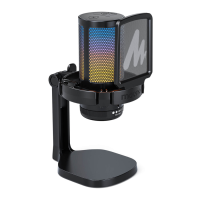
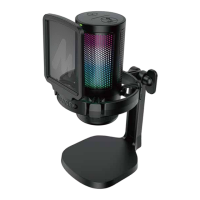
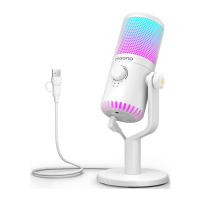
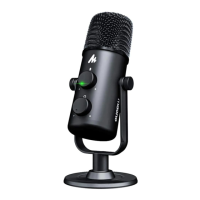
Detailed overview of the microphone component, including its visual features and labels.
Highlights key features of the Maono DGM20 microphone, such as noise cancellation, RGB lights, and monitoring.
Technical specifications for the microphone, including mic type, polar pattern, frequency response, and power.
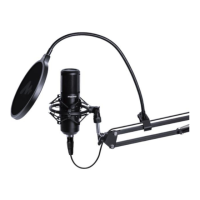
Step-by-step guide on how to securely attach the microphone to the boom arm, including correct orientation.
Explains the operation and LED indicators for the noise cancellation and mute button on the microphone.
Guide for adjusting the microphone input level in Windows operating systems for optimal performance.
 General
| Brand | Maono |
|---|---|
| Model | DGM20S |
| Category | Microphone |
| Language | English |


 To Next Page