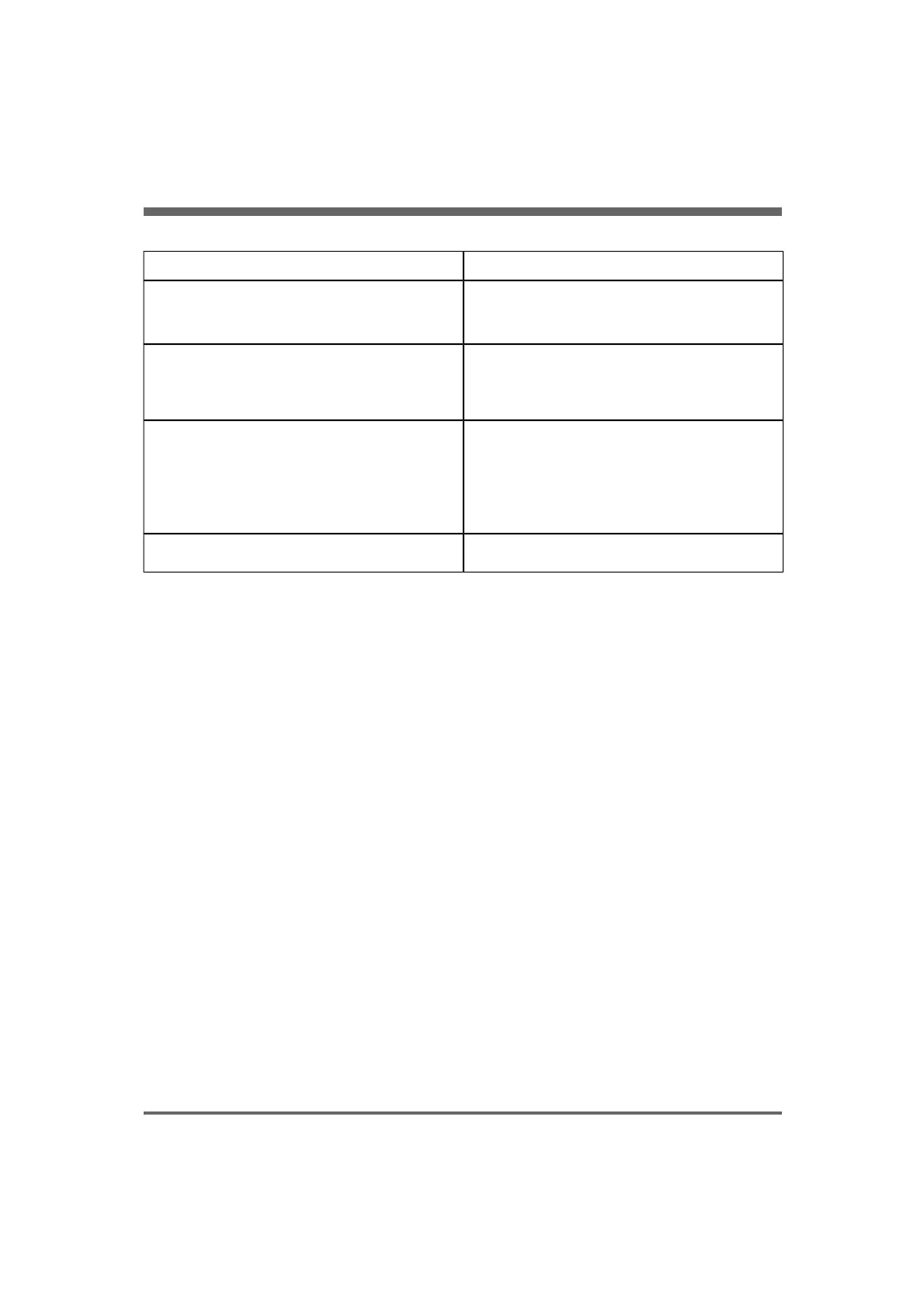
Troubleshooting
Reason and actionMalfunction
• Check that the mains cable is correctly plugged into
the mains in/outlet.
• If it still does not start, fuses may be blown. Only
authorized personnel may check and replace fuses.
The compressor does not start; the main LED is not lit.
• Too high air consumption. The compressor cannot
supply the connected equipment. Check the tubing
for leakage.
• If the alarm continues contact authorized service
personnel.
Pressure alarm is activated.
• Ambient air temperature is too high. Run at a cooler
temperature.
• The air vents at the back or on the underside of the
compressor are covered or blocked. Remove
obstacles.
• The dust filters are clogged. Clean or replace.
• Cooling fan or dryer malfunction. Contact authorized
service personnel.
Temperature alarms activated.
The cooler/dryer system is not performing correctly.
Contact authorized service personnel.
Abnormally large quantities of water flush out from the
drain valve when the valve pin is depressed.
COMPRESSOR MINI, User´s Manual
English version
28.0
21
8. Troubleshooting


 To Next Page