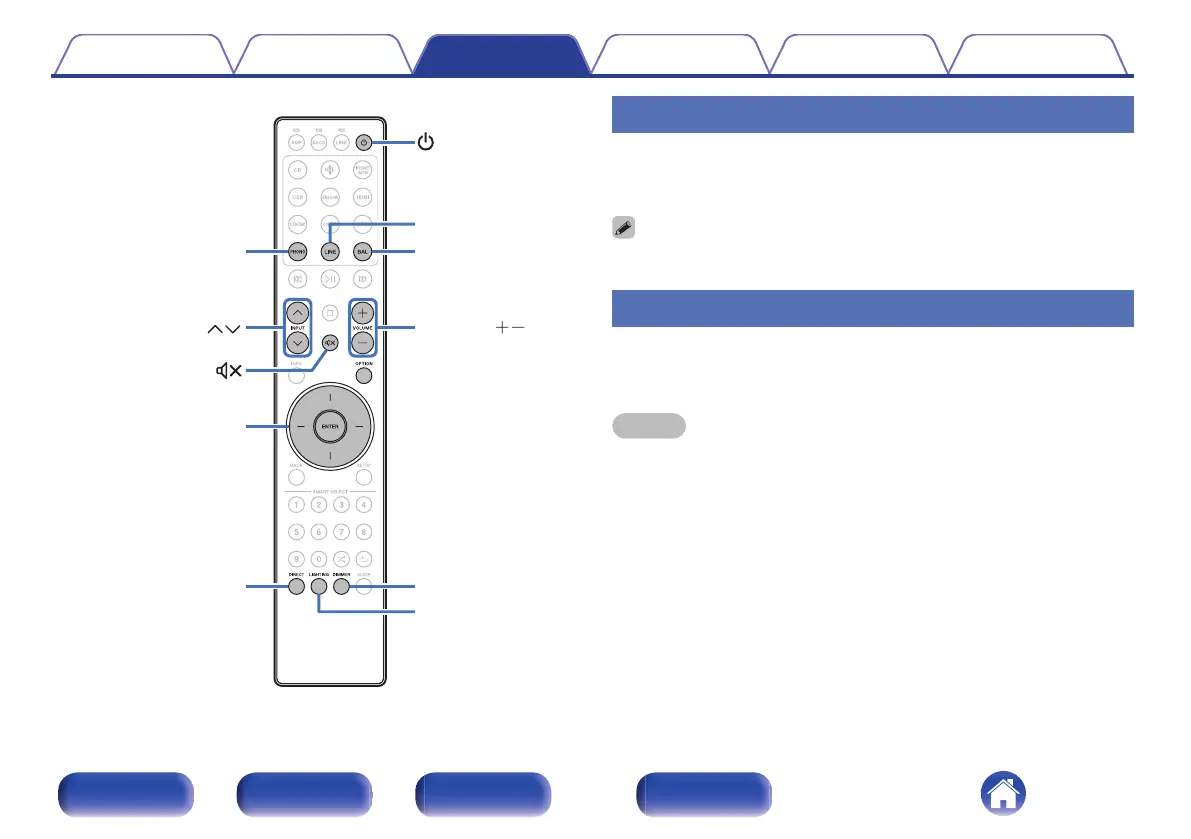
VOLUME
BAL
INPUT
DIMMER
LIGHTING
LINE
PHONO
DIRECT
ENTER
Cursor Up/Down/
Left/Right
Turning the power on
1
Press X to turn on power to the unit.
The display turns on.
0
You can also press X on the main unit to turn on power from standby mode.
Switching the power to standby
1
Press X.
The unit switches to standby mode.
NOTE
0
Power continues to be supplied to some of the circuitry even when the power is in
the standby mode. When leaving home for long periods of time or when going on
vacation, unplug the power cord from the power outlet.
Contents Connections Playback Settings Tips Appendix
40
Front/Top
panel
Rear panel
Remote control
unit
Index



 To Next Page