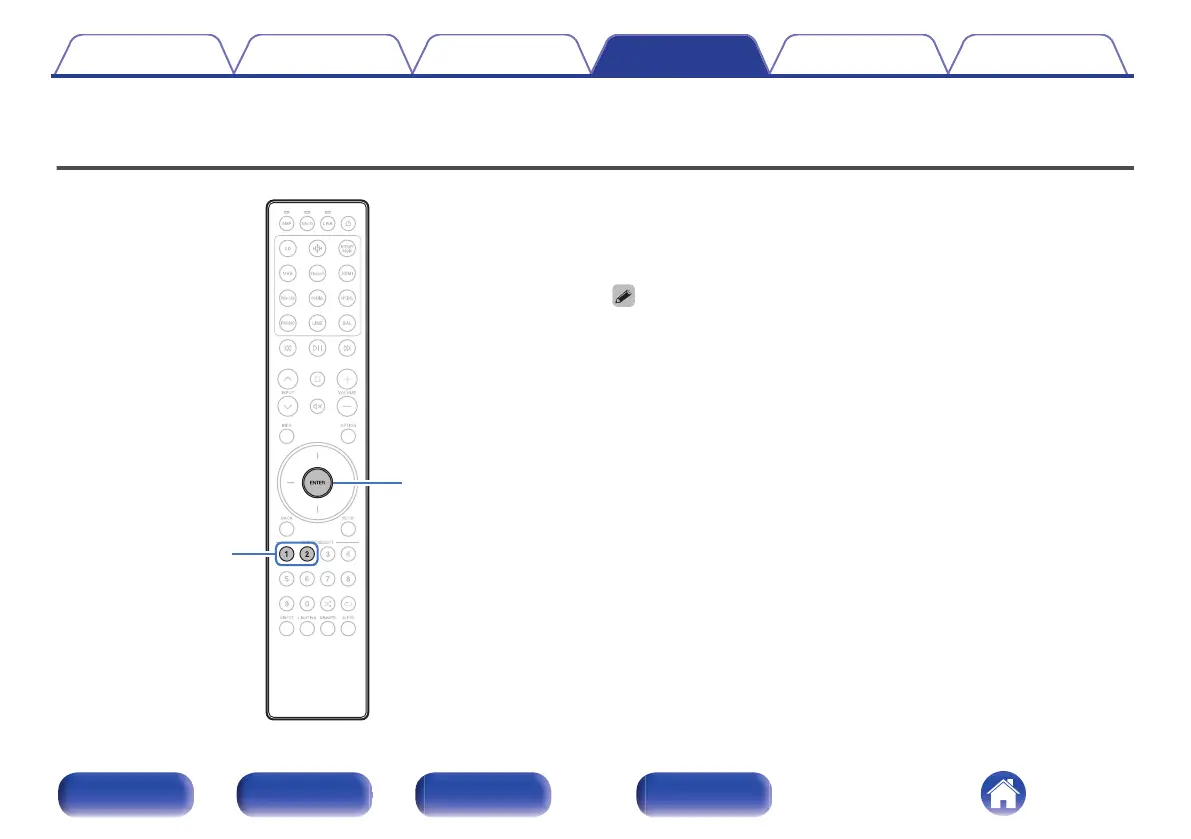
Setting the device to be operated by the volume buttons on the remote
control
On the included remote control, you can set the device to be operated by
the volume buttons so that you can adjust the volume of this unit when it is
either in SACD player operating mode or streaming preamplifier operating
mode. You can select either “Amplifier” or “Streaming Preamplifier” as the
device to be operated by the volume buttons on the remote control.
0
After setting the device to be operated by the volume buttons on the remote
control, be sure to check the operation of your device.
0
Switching the device to be operated affects the VOLUME no and : buttons on
the remote control.
Contents
Connections Playback Settings Tips Appendix
56
Front/Top
panel
Rear panel
Remote control
unit
Index



 To Next Page