Playing CDs
1
Prepare for playback.
Check the connection, then turn on this units. (“Connecting a
playback device” (v p. 23))
2
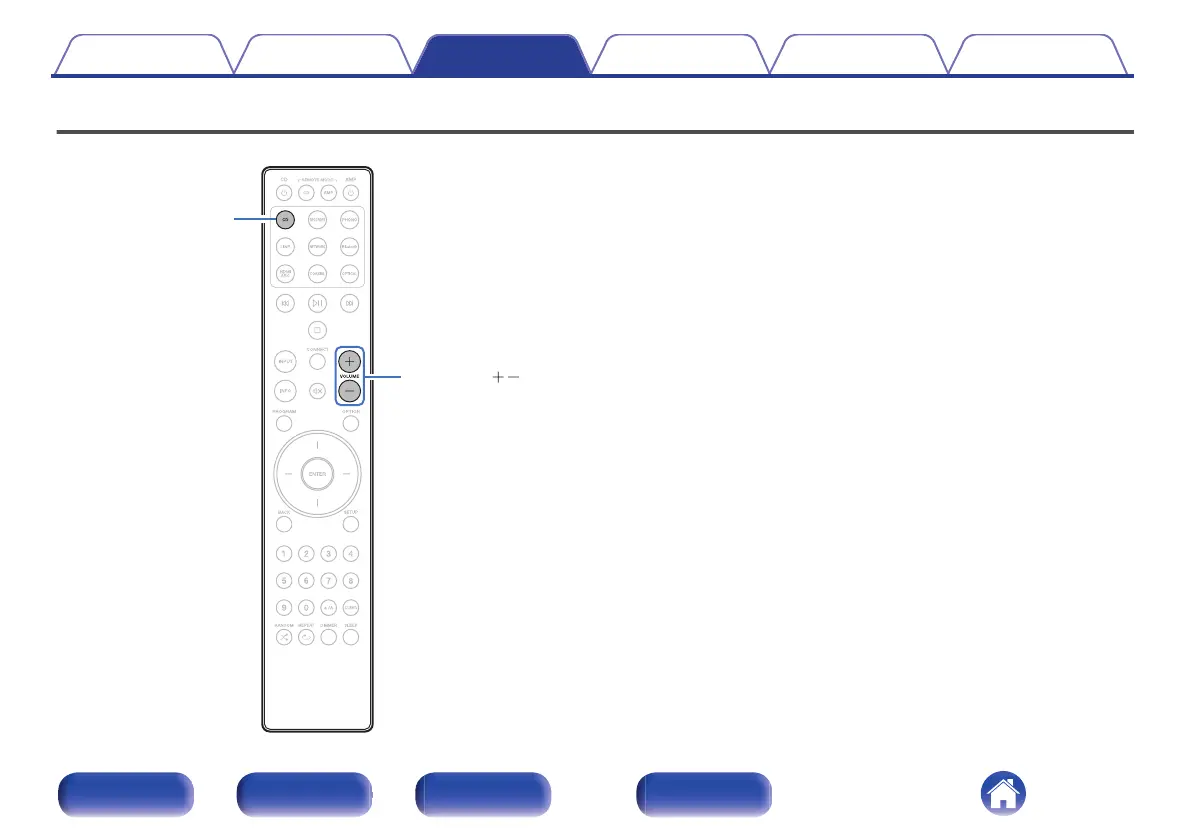
Press AMP X to turn the power on.
3
Press the input source select button (CD) to switch the
input source to “CD”.
“CD” is displayed on the display.
4
Playback the CD.
5
Use VOLUME no to adjust the volume.
Contents Connections Playback Settings Tips Appendix
36
Front panel Rear panel
Remote control
unit
Index


 To Next Page