EasyManua.ls Logo

Marantz 6300 - 1. PERFORMANCE SPECIFICATIONS

Marantz 6300
14 pages
Print Icon
To Next Page IconTo Next Page
To Previous Page IconTo Previous Page
Loading...
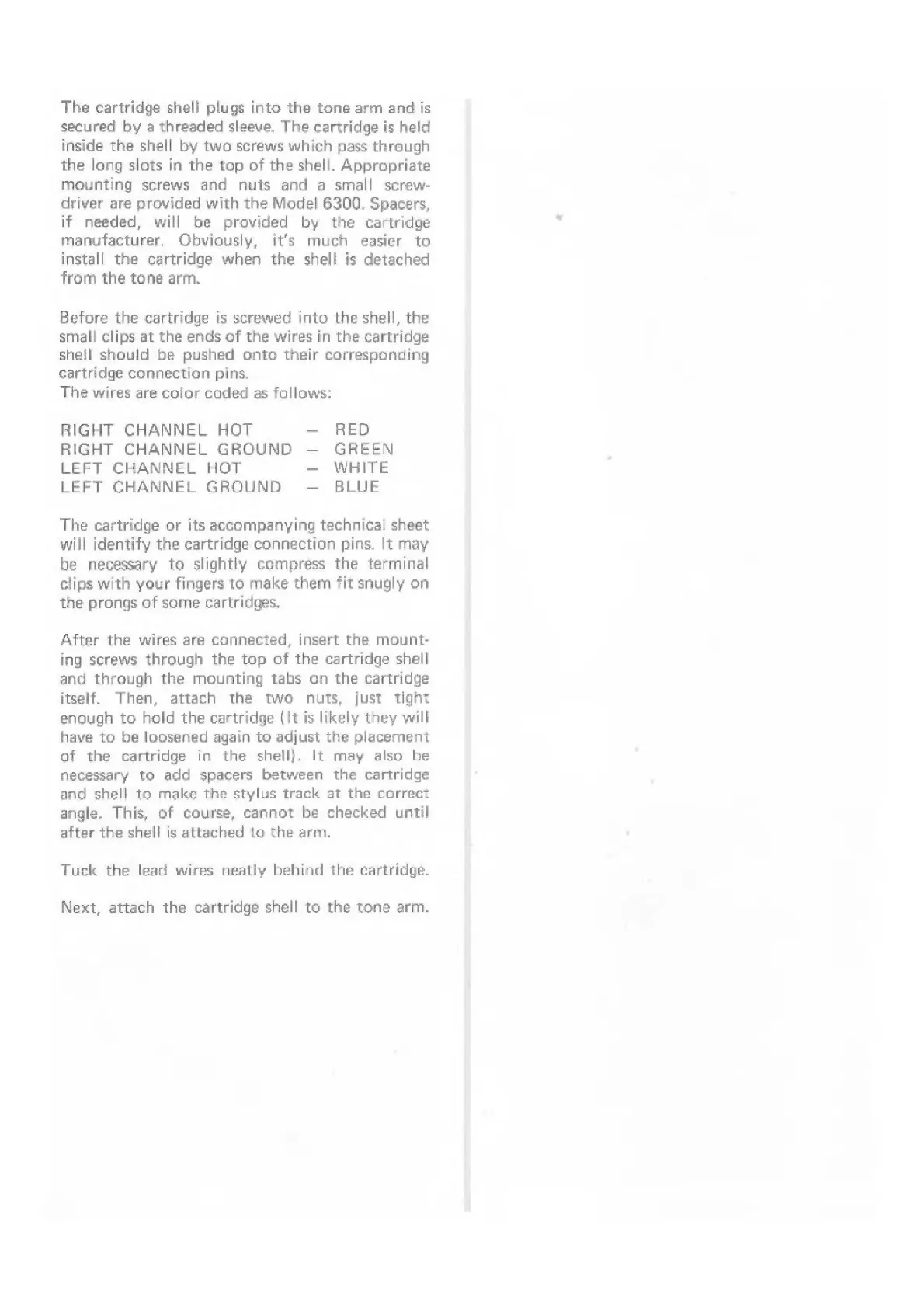
The
cartridge
shell
plugs
into
the
tone
arm
and
is
secured
by
a
threaded
sleeve,
The
cartridge
is
held
inside
the
shell
by
two
screws
which
pass
through
the
long
slots
in
the top
of
the
shell.
Appropriate
mounting
screws
and
nuts
and
a
small
screw-
driver
are
provided
with
the
Model
6300.
Spacers,
if
needed,
will
be
provided
by
the
cartridge
manufacturer.
Obviously,
it’s
much
easier
to
install
the
cartridge
when
the
shell
is
detached
from
the
tone
arm.
Before
the
cartridge
is
screwed
into
the
shell,
the
small
clips
at
the
ends
of
the
wires
in
the
cartridge
shell
should
be
pushed
onto
their
corresponding
cartridge
connection
pins.
The
wires
are
color
coded
as
follows:
RIGHT
CHANNEL
HOT
RED
RIGHT
CHANNEL
GROUND
GREEN
LEFT
CHANNEL
HOT
WHITE
LEFT
CHANNEL
GROUND
BLUE
The
cartridge
or
its
accompanying
technical
sheet
will
identify
the
cartridge
connection
pins.
It
may
be
necessary
to
slightly
compress
the
terminal
clips
with
your
fingers
to
make
them
fit
snugly
on
the
prongs
of
some
cartridges.
After
the
wires
are
connected,
insert
the
mount-
ing
screws
through
the
top
of
the
cartridge
shell
and
through
the
mounting
tabs
on
the
cartridge
itself.
Then,
attach
the
two
nuts,
just
tight
enough
to
hold
the
cartridge
(It
is
likely
they
will
have
to
be
loosened
again
to
adjust
the
placement
of
the
cartridge
in
the
shell).
It
may
also
be
necessary
to
add
spacers
between
the
cartridge
and
shell
to
make
the
stylus
track
at
the
correct
angle.
This,
of
course,
cannot
be
checked
until
after
the
shell
is
attached
to
the
arm.
Tuck
the
lead
wires
neatly
behind
the
cartridge.
Next,
attach
the
cartridge
shell
to
the
tone
arm.