Checking the HD Radio reception
information
1
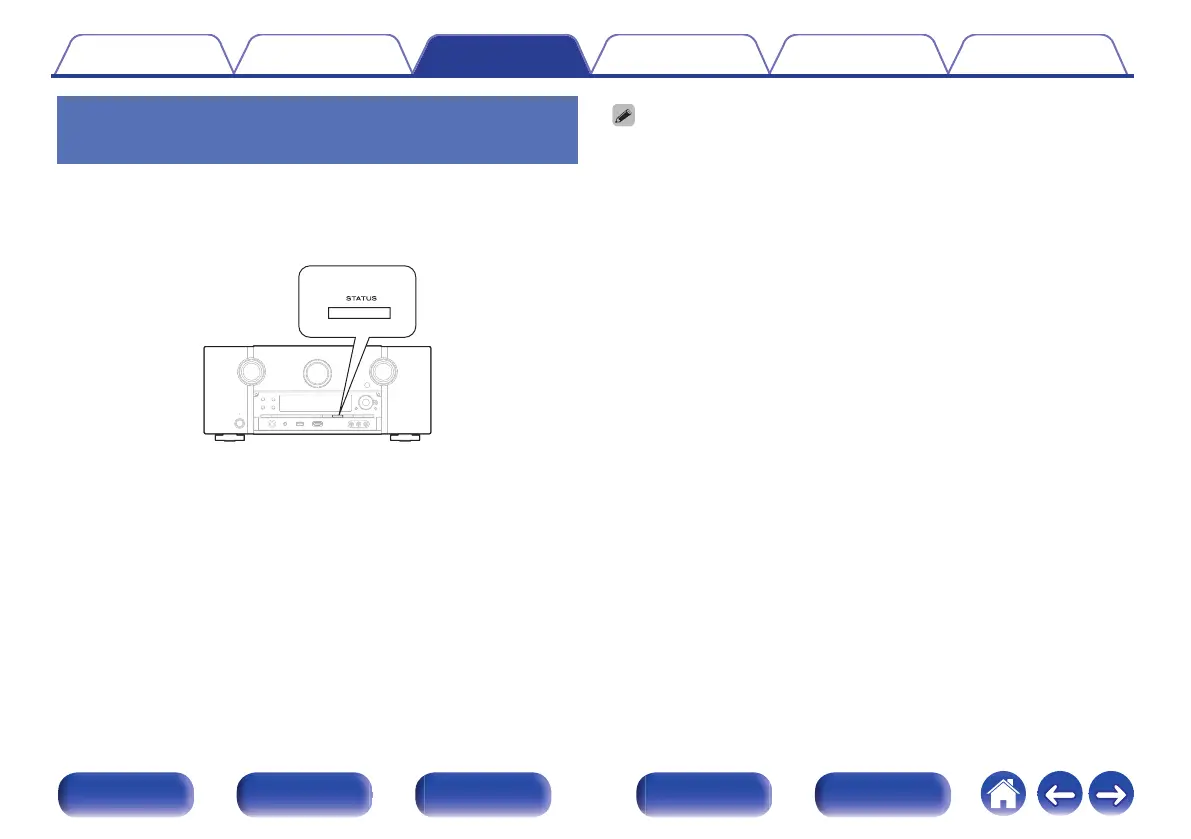
Press STATUS on the main unit while an HD Radio
broadcast is being received.
The current reception information is shown on the display.
.
1. Normal
$
2. Frequency / Signal strength
$
3. Long Station name / Program and Program type
$
4. Title name / Artist name
$
5. Album name / Genre name
0
If the station signal weakens while receiving a digital broadcast (while “HD” and
text is displayed), the mode automatically switches to the analog reception mode
(the reception frequency is displayed).
Because of this, the “HD” and text may flicker if the station signal level is weak and
unstable.
Contents Connections Playback Settings Tips Appendix
111
Front panel Display Rear panel Remote Index



 To Next Page