Calling up the settings
1
Press ZONE SELECT to switch “MAIN”, “ZONE2” or
“ZONE3”.
2
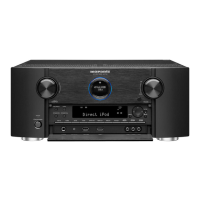
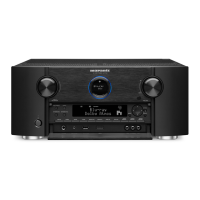
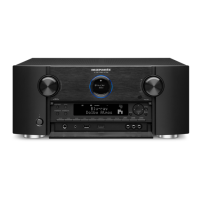
Press SMART SELECT.
The Smart Select settings registered to the button you pressed are
called up.
0
The default settings for the input source and volume are as shown
below.
GMAIN ZONEH / GZONE2H / GZONE3H
Button Input source Volume
SMART SELECT 1 CBL/SAT 40
SMART SELECT 2 Blu-ray 40
SMART SELECT 3 Media Player 40
SMART SELECT 4 Online Music 40
Contents Connections Playback Settings Tips Appendix
159
Front panel Display Rear panel Remote Index


 To Next Page