1
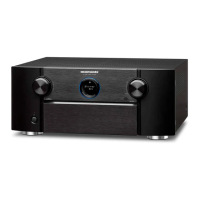
Thank you for choosing a Marantz Pre
Tuner.
This guide provides step-by-step
instructions for setting up your Pre
Tuner.
Welcome Before You Begin
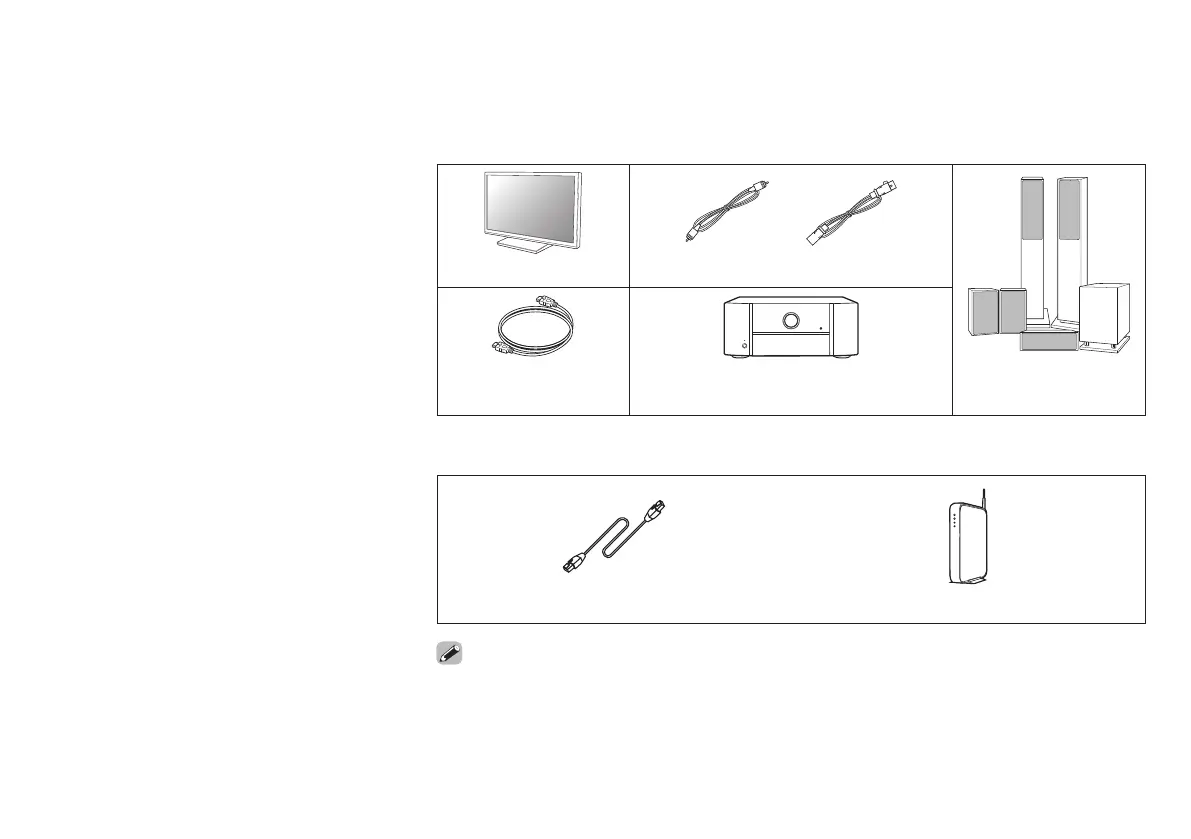
Required for Setup
or
TV RCA cables XLR cables
HDMI cable Power amplifier Speakers /
Speaker cables
Optional
LAN cable Wi-Fi router
• When connecting this unit to a device that is compatible with the Deep Color, 4K, ARC and eARC
functions, use a “High Speed HDMI cable with Ethernet” that displays the HDMI logo.
• When connecting this unit to a device that is compatible with the 8K and 4K 120Hz video, use a
“Ultra High Speed 48 Gbps HDMI cable” that displays the HDMI logo.
• These drawings are for illustrative purposes only and may not represent the actual product(s).
or
1. AV7706U_QSG_ENG_00A_200702.indd 11. AV7706U_QSG_ENG_00A_200702.indd 1 2020/07/20 10:36:452020/07/20 10:36:45


 To Next Page