- 39 -
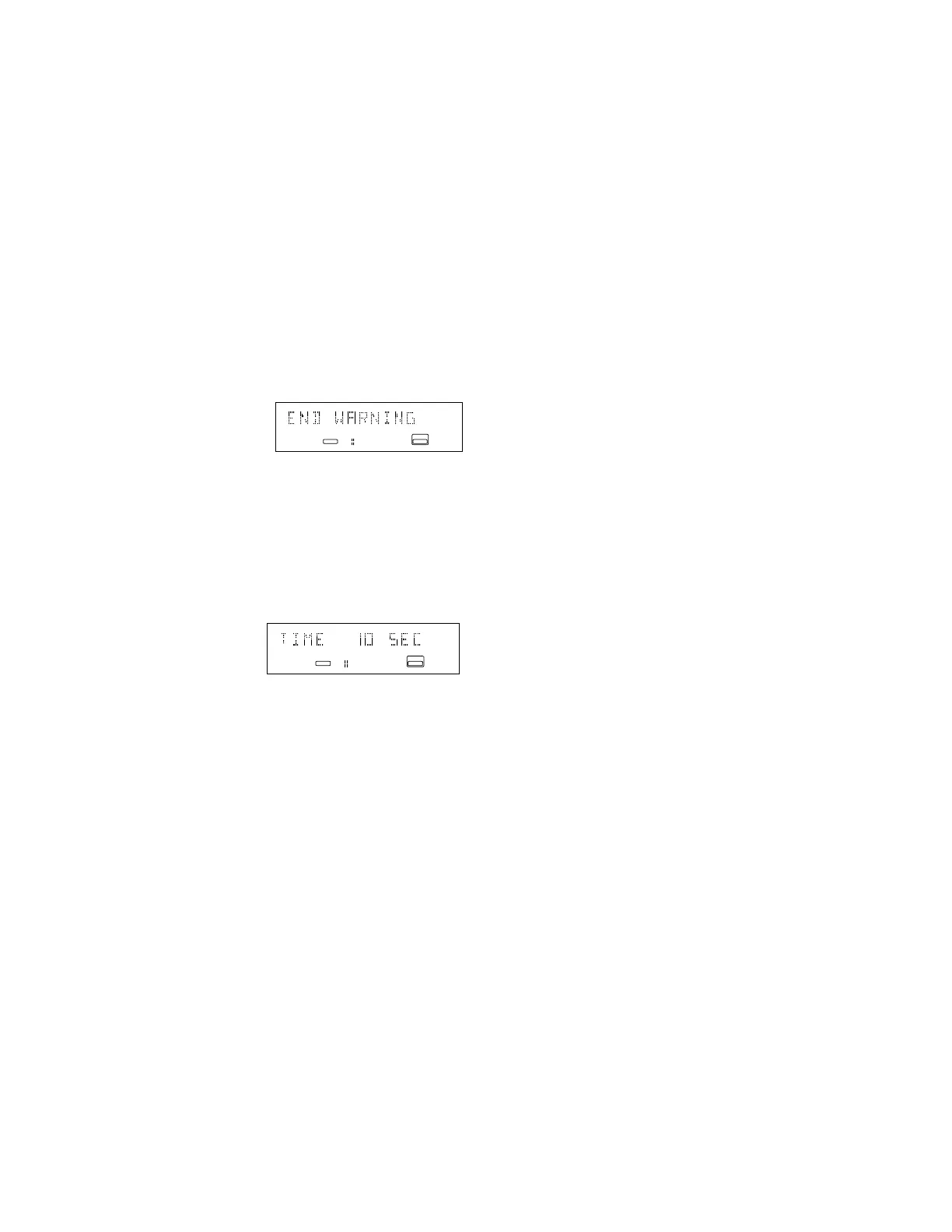
END WARNING (CD drive and Dual mode only)
When END WARNING is on the remaining time
display flashes as the end of a track is ap-
proached during play back.
END WARNING can be set from 0 to 35 seconds
in 5 second increments.
END WARNING is off when set to 0.
Factory default setting is 15 seconds.
How to set END WARNING
1. In Dual mode, with the CD drive selected
push and release the MENU/STORE button.
2. Turn the REC LEVEL/SELECT control until
END WARNING is displayed.
3. Push and release the REC LEVEL/SELECT
control. The current setting of END WARN-
ING is displayed.
4. Turn the REC LEVEL/SELECT control to tab
through 0 to 35 seconds in 5 second incre-
ments.
5. When correct push and release the REC
LEVEL/SELECT control. END WARNING is
displayed again.
6. Turn the REC LEVEL/SELECT control to
switch to other menu choices or press and
release the CANCL/DELETE button to exit
menu mode.
ANALOG
L
R
CD - R
CD
19181716151413121110986543217 20
ANALOG
L
R
CD - R
CD
19181716151413121110986543217 20


 To Next Page