5
Playing Discs
19
English
Fast Forward/Fast Reverse
DVD-Video
Video-CD
CD
MP3
WMA
The video images on DVD and VCD can be
viewed as a Fast Forward and Fast Reverse
with no sound.
In case of CD, the sound can be listened as a
Fast Forward and Fast Reverse with sound.
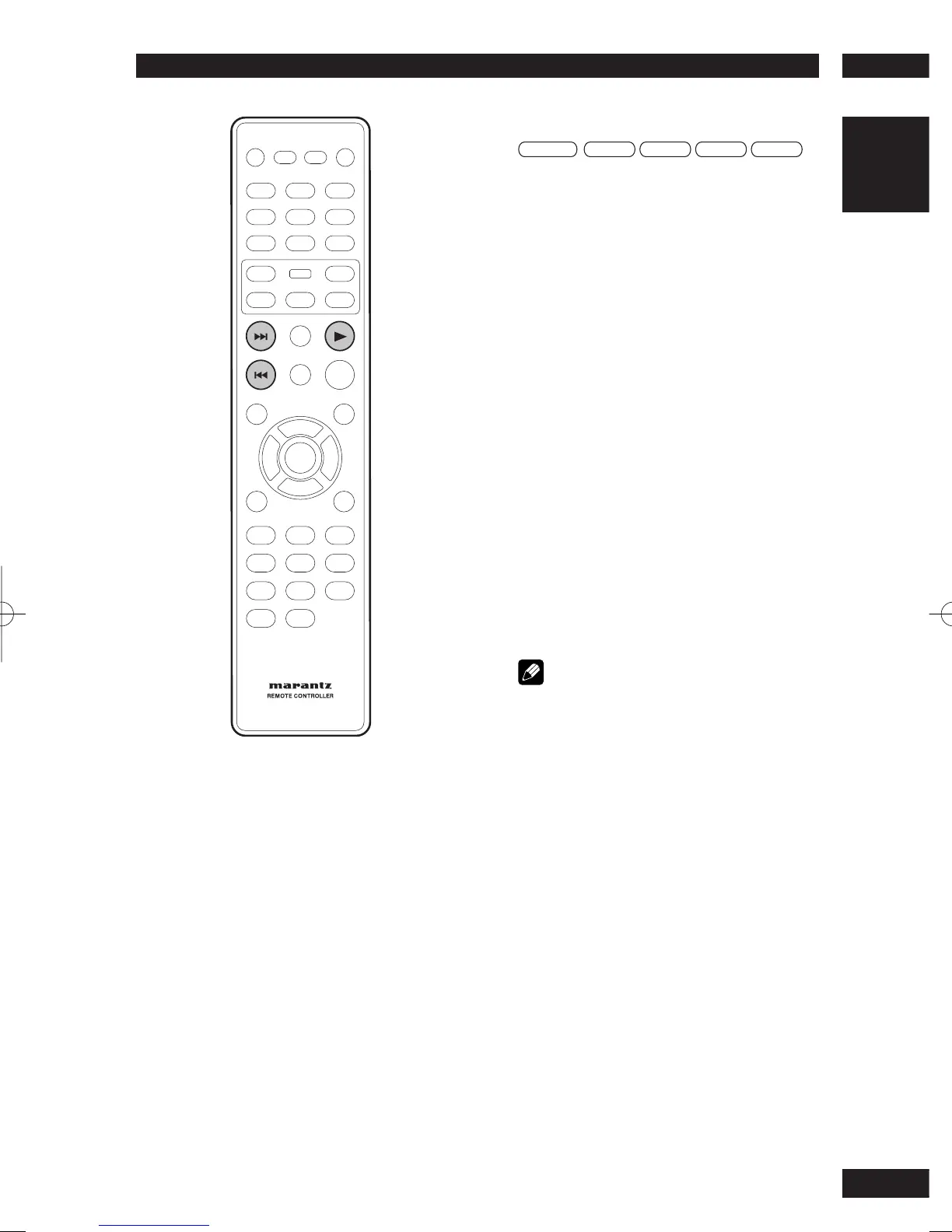
Viewing in Fast Forward/Fast Reversed
Press and hold
¢
(NEXT) during play.
• Fast Forward is engaged.
• During Fast Forward, the speed of play
back can be adjusted from x2 speed to
x32 speed in 5 steps using
¢
(NEXT).
Press and hold
4
(PREV) during play.
• Fast Reverse is engaged.
• During Fast Reverse, the speed of play
back can be adjusted from x2 speed to
x32 speed in 5 steps using
4
(PREV).
To return to normal play back press
3
(PLAY)
to normal play back.
Note
• The sound is muted during fast forward/reverse
scanning of DVD/VCD.



 To Next Page